

Managed databases
Managed Databases run MySQL, MariaDB or PostgreSQL for you: the panel provisions the server, installs the engine, sets up replication if you add replicas, and runs scheduled backups. You get a hostname, port and admin credentials, and connect your app.
Before you begin
Section titled “Before you begin”- A location with Managed Databases enabled by your provider.
- For read replicas later: create the database inside a VPC. Replication runs over private networking, so a standalone public database cannot have replicas. See VPC networks.
- Enough credit balance; databases are billed hourly.
Where to find it
Section titled “Where to find it”In the sidebar’s Services group, click Databases for the list, or DB backup policies for scheduled backups.
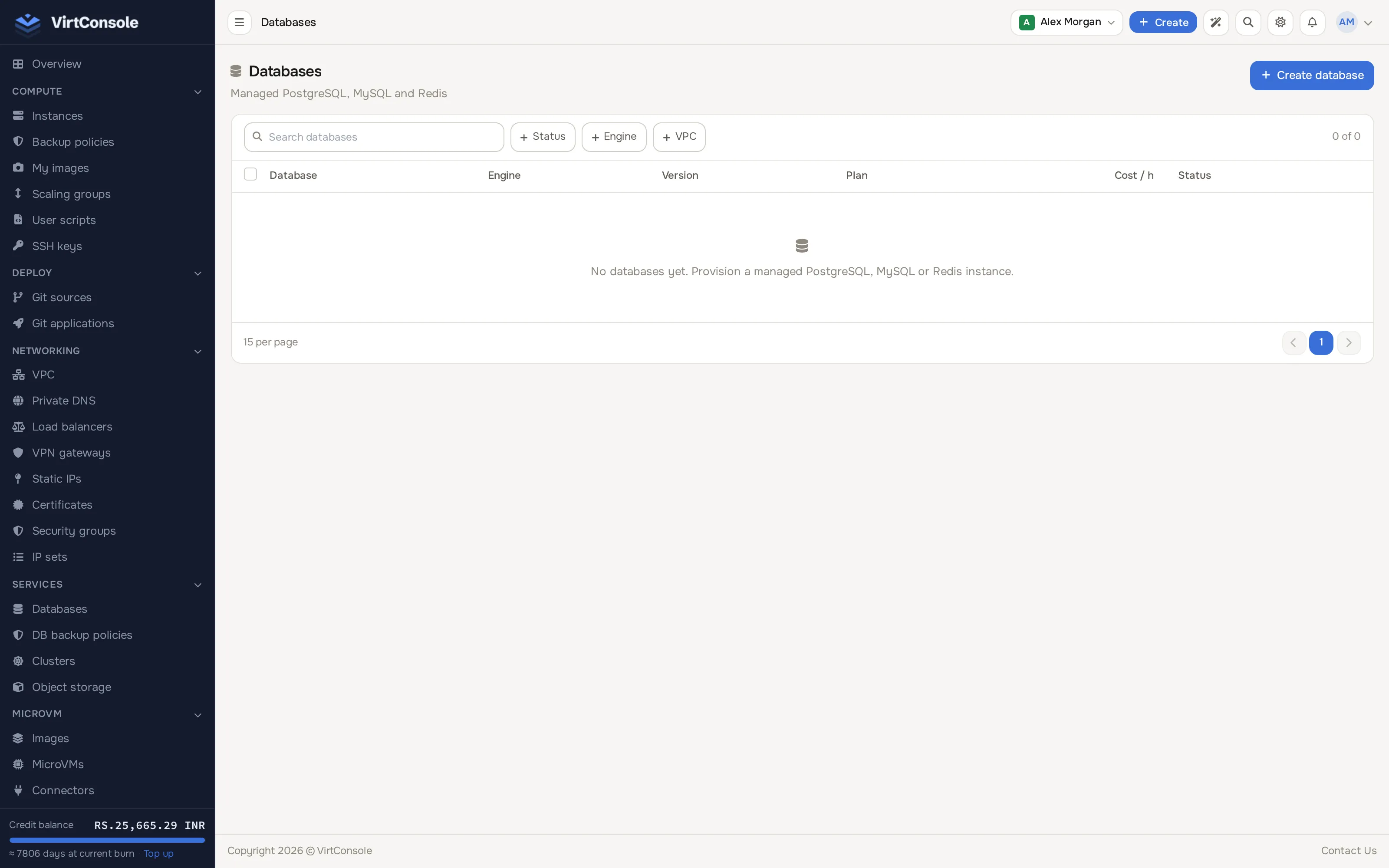
Create a database
Section titled “Create a database”Click Create database. A full-screen wizard opens with four numbered steps: Engine, Size, Access and Review.
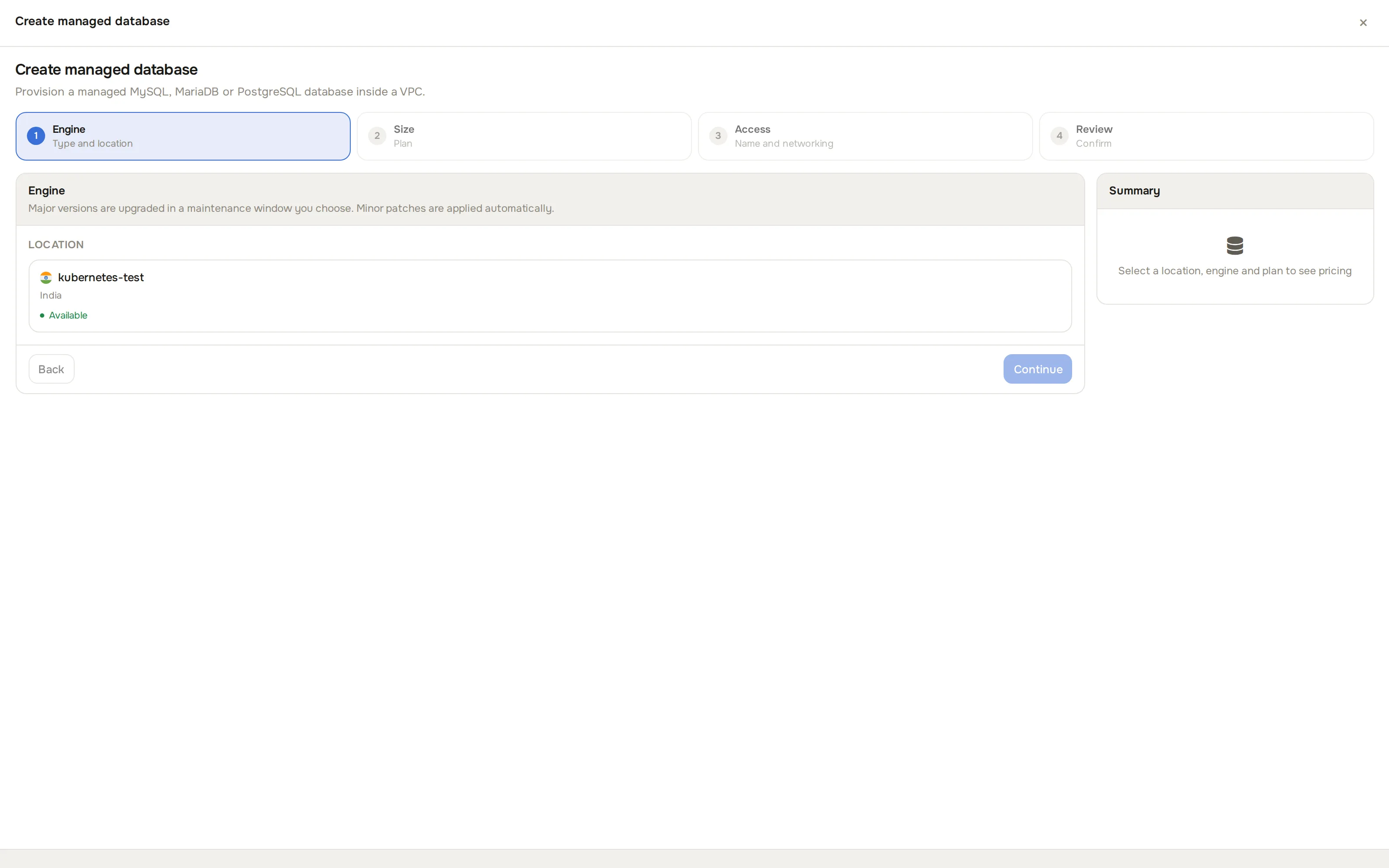
-
Engine (“Type and location”): pick a Location card, then an Engine (MySQL, MariaDB or PostgreSQL) and a Version.
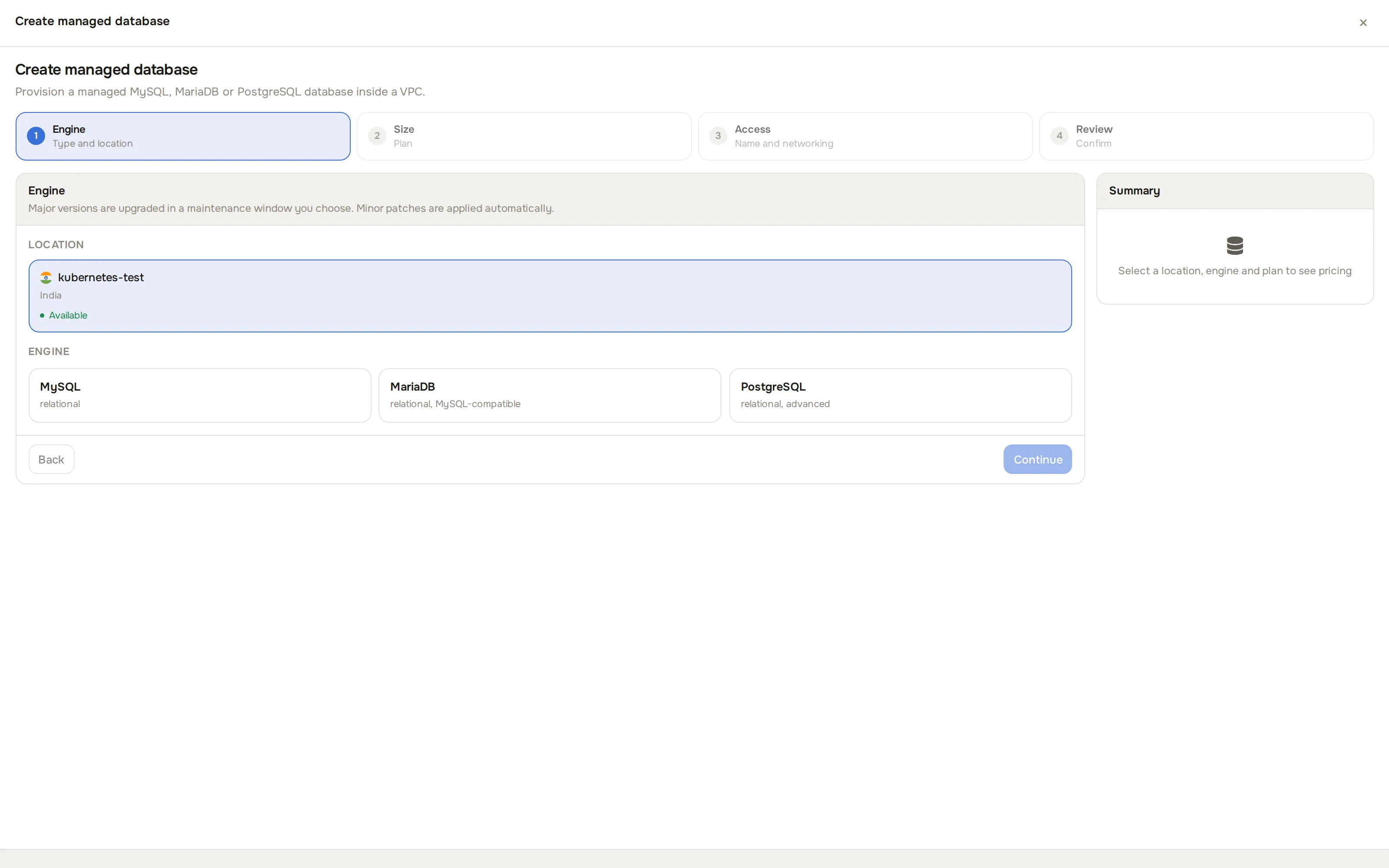
-
Size (“Plan”): pick a plan (CPU, RAM, storage and bandwidth). Only plans that offer the chosen engine at that location are shown.
-
Access (“Name and networking”): enter a Name, optionally a Parameter Group, and optionally pick a VPC and Subnet under Network. Omit the VPC for a standalone public database (no replicas possible later; without an active VPC in the location you get a warning instead of a picker).
-
Review (“Confirm”): check location, engine, plan, VPC, subnet and name, then click Create. High availability, replicas, backup schedules and point-in-time recovery are configured afterwards, from the database’s own page.
The sticky summary panel on the right shows the running cost as you fill in each step. The database shows Deploying for 2 to 4 minutes, then Active.
Connect
Section titled “Connect”The database detail page shows the host (VPC IP, public IP, or both), the port (3306 for MySQL/MariaDB, 5432 for PostgreSQL), the admin username, and the admin password (click to reveal and copy).
The tabs on the detail page:
- Overview: connection details, plan, bandwidth used this cycle, status.
- Backups: one-off backups (Create Backup), restore from a backup, and Restore PITR (restore to a specific second within your policy’s retention window). Restores overwrite the current database state.
- Parameters: apply a parameter group (a named bundle of engine settings). The engine restarts with the new config.
- Tasks: every operation against the database, with logs.
- Metrics: CPU, memory, disk, network and engine-specific charts (connections, queries per second, replication lag, cache hit ratio), with time ranges from 1 minute to 30 days. If metrics stop arriving, use Fix Monitoring on this tab (once per database per 24 hours).
- Firewall: the security groups applied to the database. See Security groups.
- Replicas: create and manage read replicas (below).
- Actions: restart, resize, upgrade, retry deploy, destroy.
Day-to-day actions
Section titled “Day-to-day actions”From the Actions tab:
- Restart: restart the engine process. Use after applying a parameter group.
- Reset Admin Password: generate a new password. It is shown once.
- Resize: switch to a different plan. Storage cannot go down; engine tuning adjusts automatically.
- Upgrade Engine Version: move to a newer version of the same engine (for example MySQL 8.0 to 8.4). A pre-upgrade backup runs automatically.
- Acknowledge Error: dismiss the error banner after a failed background operation.
- Retry Deploy: rebuild from scratch if the initial deploy failed, keeping name and credentials.
- Destroy Database: delete the database. Remaining unbilled hours are charged first. A primary with replicas cannot be destroyed; destroy or promote the replicas first.
Read replicas
Section titled “Read replicas”A replica is a read-only copy the engine keeps in sync with the primary. Requirements: the primary is Active, is in a VPC, its plan allows another replica, and the replica plan’s storage is at least as large as the primary’s.
- On the primary’s detail page, open Replicas and click Create Replica.
- Pick a subnet in the same VPC, a plan, and optionally a name.
- Click Create.
The replica goes Deploying, then Active (engine up), while its replication status moves from Syncing to Active (caught up). Lag over about 5 minutes shows a warning. From here you can Resync a replica, Promote to Primary (planned failover; afterwards run Resync All Replicas on the new primary to re-establish replication), or remove it.
Backup policies
Section titled “Backup policies”A backup policy automates offsite backups to an S3-compatible bucket you control.
Click DB backup policies in the sidebar’s Services group to see every policy.
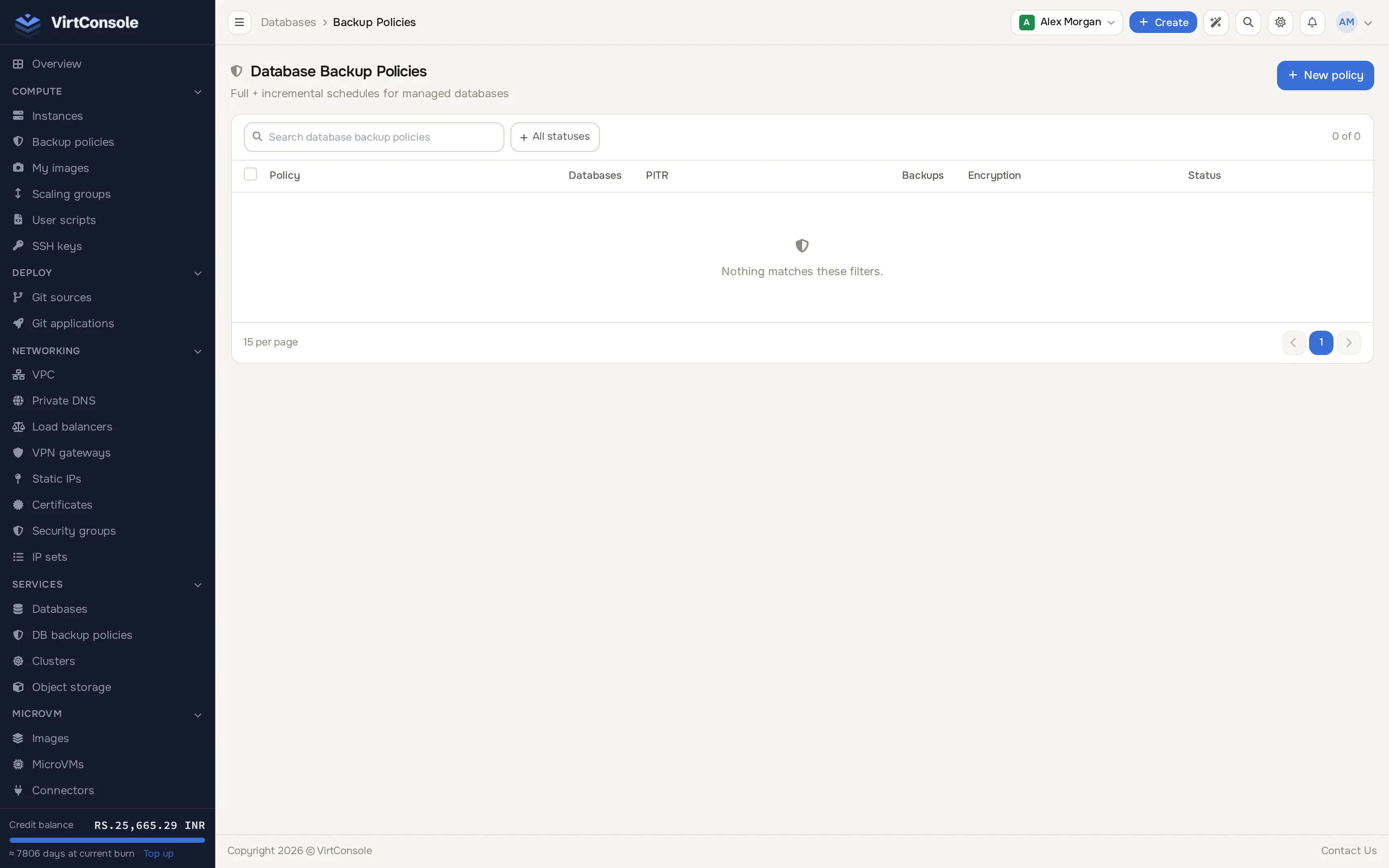
- Click Add Policy.
- Fill in:
Sections
| Section | Fields |
|---|---|
| General | Policy name. |
| S3 Configuration | Endpoint, bucket, region, access key, secret key, optional path prefix. Click Test Connection to verify before saving. |
| Schedule | Full backup frequency (daily/weekly), time, day for weekly, and incremental frequency (none, 1h, 2h, 4h, 6h, 12h). |
| Point-in-Time Recovery | Turn on to archive the transaction log continuously, enabling restore to any second in the retention window. |
| Retention | How many full backups to keep, and how long to keep incrementals and PITR archives. |
| Encryption | AES-256 encrypts backups before upload, on by default. |
- Click Create Policy, then open the policy and attach databases under Attached Databases.
A database attaches to exactly one policy. Attaching installs the backup tools, configures PITR if enabled, and runs an initial full backup. When a healthy replica exists, backups run against the replica so the primary is not loaded. After repeated failures the policy pauses and emails you; fix the cause and click Reset Failures on the policy page.
Common problems
Section titled “Common problems”Full and incremental database backups share one admission check. An existing pending or in_progress backup blocks another backup (409 backup_in_progress on the API); an operation still running on the actual source VM blocks dispatch (409 database_busy), including a replica selected for a policy backup. Check Backups and Tasks and wait for the current work to finish. A long-running backup is not automatically expired.
Backups are also conservatively serialized across a primary and all its replicas. A retained backup of another family member answers 409 database_busy even if its source Task is missing or terminal. Backup records do not store the historical source VM, so a change in replica health cannot prove that work stopped; even distinct sibling source VMs wait until the authoritative backup state is terminal. Unrelated database families can still back up independently.
A database restored into a new database must activate successfully before you restart it, reset its admin password, resize it, take a database backup, apply a parameter group or repair monitoring. A failed restore stays guarded (409 restore_not_activated). Restore/recovery and PITR reopening also hold backups; an incremental requires a policy, a usable completed full backup, active PostgreSQL PITR where applicable, and a primary database. The API refuses an unavailable incremental rather than taking a full backup instead.
If a backup request reports a dispatch or transport error, its backup/task may still be pending because the node could have accepted it. Inspect their state before trying again; contact your provider if no terminal callback arrives. API integrations must also check success: a caught user backup dispatch error currently answers HTTP 200 with success: false; the admin API maps it to HTTP 400.
- The location list is empty when creating. Managed Databases is not enabled in any location for your account. Contact your provider.
- The database is stuck in Deploying. Open Tasks for the error, then use Retry Deploy. If it persists, contact your provider.
- “Primary database must be in a VPC” when creating a replica. Replicas need private networking. Recreate the primary in a VPC.
- Cannot destroy a primary with replicas. Destroy the replicas first, or promote one to primary and then destroy the demoted original.
- Metrics are not showing. Your provider may not have a metrics backend in this location; contact them. For one dark database among working ones, use Fix Monitoring on its Metrics tab.
- Backups fail with an S3 error. Re-check the bucket credentials with Test Connection on the policy; the key needs read, write, delete and list permission on the bucket.
- PITR shows Error. Transaction log continuity is broken. Use Retry PITR Configuration on the database detail page.