

Kubernetes clusters
Managed Kubernetes gives you a full cluster without installing anything by hand. The panel creates the virtual machines, installs Kubernetes on them, wires up networking, and puts the API server behind a managed load balancer. Provisioning typically takes 5 to 12 minutes.
For each cluster the panel creates one or three control plane nodes, your worker nodes in node pools, a load balancer fronting the API server, a per-cluster security group, and a kubeconfig file you download to use kubectl.
Before you begin
Section titled “Before you begin”- A location with Kubernetes enabled by your provider. The create wizard only lists enabled regions.
- A VPC in that region, with a NAT gateway attached (workers need outbound internet to pull container images) and at least one private subnet. See VPC networks.
- Enough credit balance if your provider bills hourly; the wizard shows the estimated hourly cost.
Where to find it
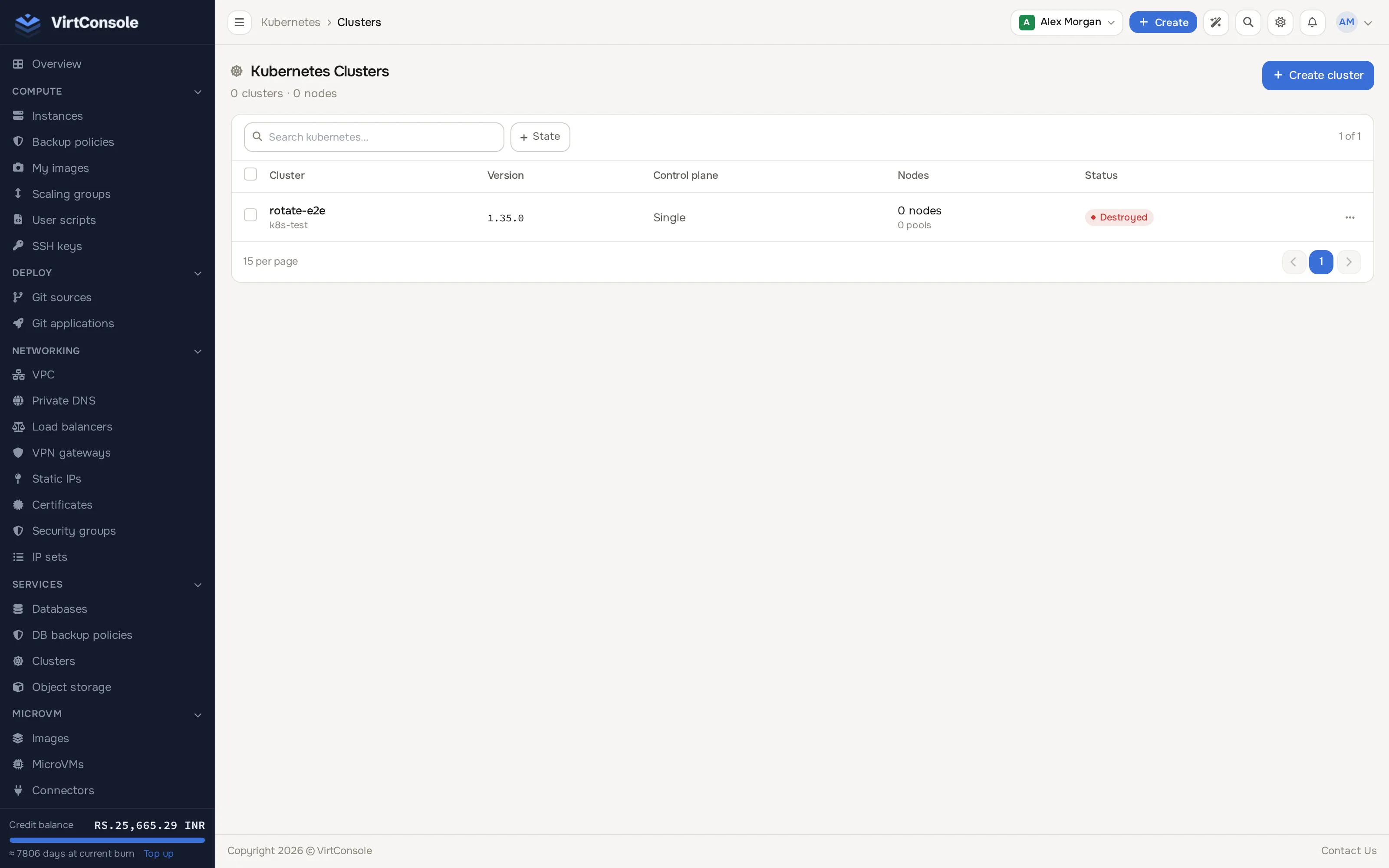
Section titled “Where to find it”In the user panel sidebar go to Services > Clusters. The page still carries a Kubernetes > Clusters breadcrumb once open.
Create a cluster
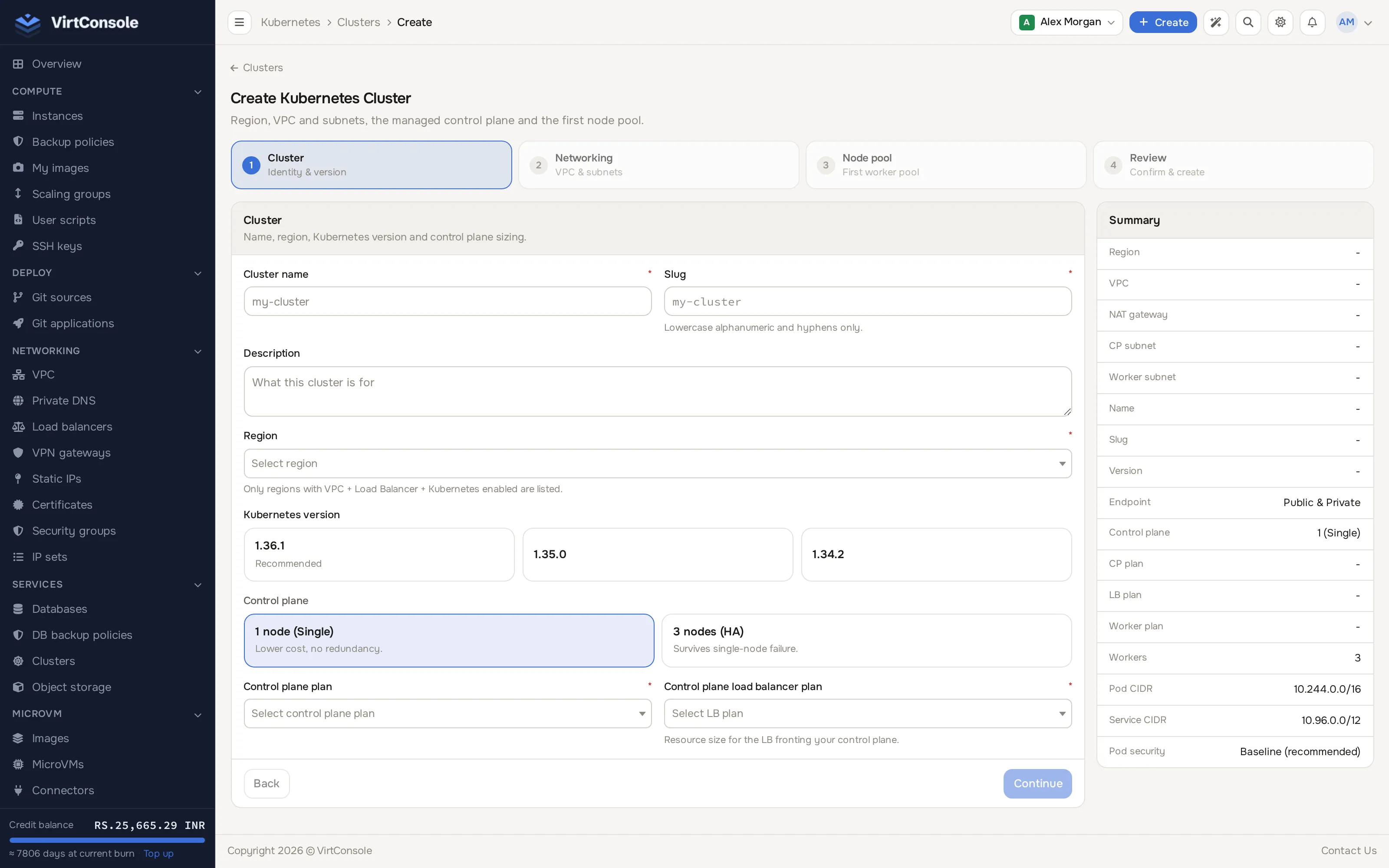
Section titled “Create a cluster”Click Create cluster. A four-step horizontal wizard opens: Cluster, Networking, Node pool, Review.
-
Cluster (identity and version):
-
Cluster name and Slug (used in node hostnames; lowercase letters, numbers and hyphens only). An optional Description.
-
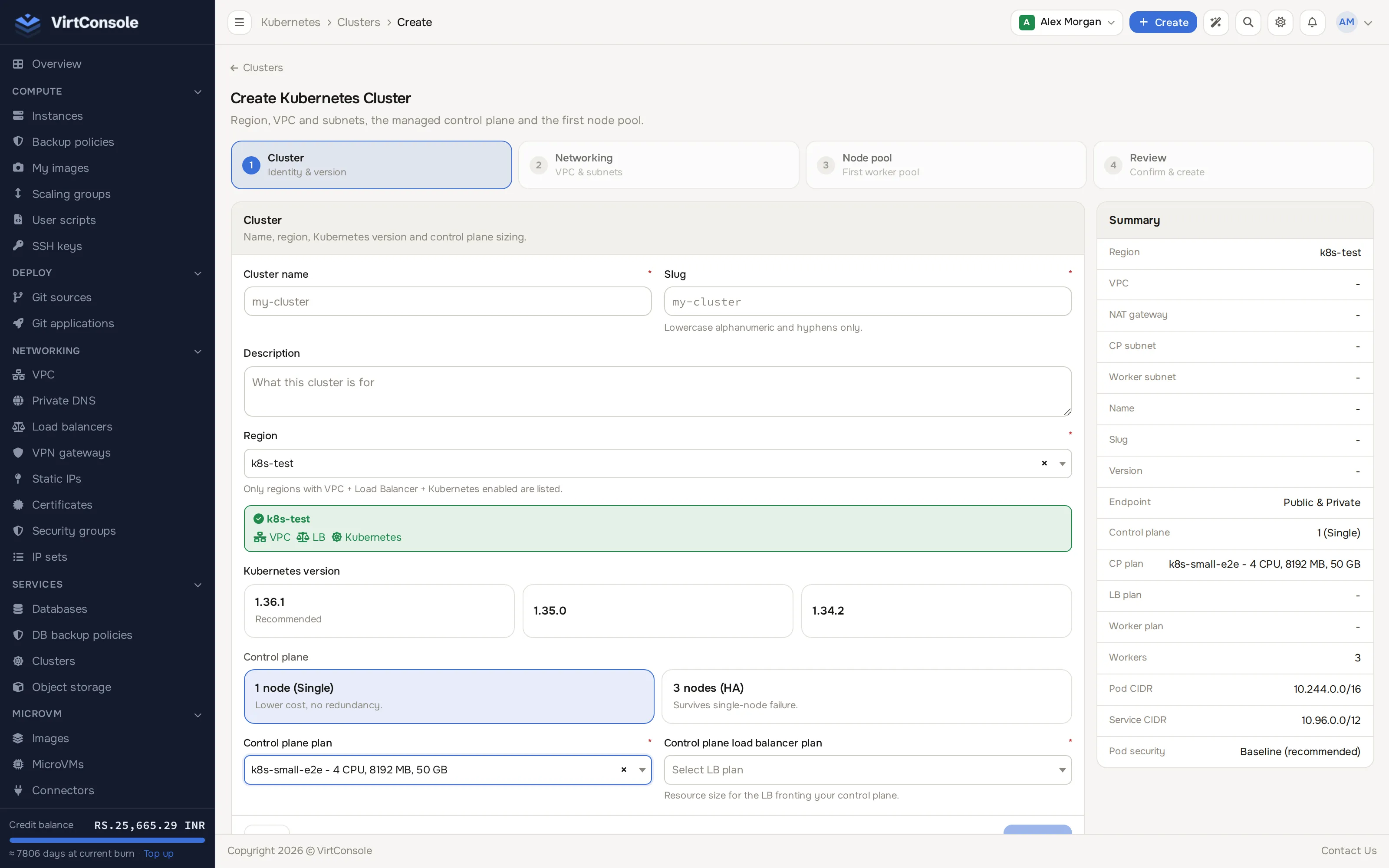
Region: only regions with VPC, load balancer and Kubernetes enabled are listed. Locked regions your account cannot use yet appear below the picker with a request-access card.
-
Kubernetes version: pick from your provider’s curated list; the newest is marked Recommended.
-
Control plane: 1 node (Single) (lower cost, no redundancy) or 3 nodes (HA) (survives a single-node failure).
-
Control plane plan and Control plane load balancer plan: the sizing tiers for the control plane VMs and the API server’s load balancer.
-
-
Networking (VPC and subnets):
- VPC: only VPCs in the chosen region are listed. Once picked, the page shows whether the VPC has a NAT gateway; workers need one for outbound internet access.
- Control plane subnet (private subnets only) and Worker subnet (defaults to the control plane subnet; pick a different one to isolate workers).
- Endpoint mode: Private (apiserver reachable only inside the VPC) or Public & Private (internal plus public load balancer endpoint). See Access and security for what each mode means.
- Pod CIDR (default
10.244.0.0/16) and Service CIDR (default10.96.0.0/12). - Pod Security Admission default: Privileged, Baseline (recommended) or Restricted.
-
Node pool (the cluster’s first pool; add more from the Node pools tab once the cluster exists):
- Worker plan.
- Initial worker count, Min size and Max size.
- Enable cluster autoscaler toggle; Min/Max size only apply while it is on.
-
Review: check the summary rows and the estimated hourly cost (when your provider bills hourly), then click Create cluster.
Watch progress on the cluster’s Tasks tab; every operation is listed with its logs.
Use the cluster
Section titled “Use the cluster”-
Open the cluster and click Download kubeconfig.
-
Point
kubectlat it:Terminal window export KUBECONFIG=~/Downloads/kubeconfig-mycluster.yamlkubectl get nodes
A Service of type=LoadBalancer automatically provisions a managed load balancer and gets its public IP as EXTERNAL-IP. The annotations that control it are documented on Load balancer Services.
The cluster page header shows status, region, version, node counts and endpoints. The tabs, in order, are:
- Overview: API endpoints, compute plans, networking and ownership at a glance.
- Node pools: add and edit pools, set per-pool plans, sizes, autoscaling bounds, labels and taints. See Node pools.
- Nodes: every VM in the cluster, with CPU and memory gauges and the pods on each node.
- Tasks: every operation against the cluster, with logs. First stop when a deploy or upgrade fails.
- Upgrades: rolling upgrades for the control plane and workers. See Upgrades and rotation.
- Autoscaler: the copy-paste manifest that enables automatic worker scaling. See Autoscaling.
- Security: the per-cluster security group in three scopes (load balancer, control plane, workers). See Access and security.
- SSL & domains: bind a TLS certificate to the API load balancer for a custom domain. See Access and security.
Common problems
Section titled “Common problems”- The cluster is stuck in Provisioning. Open the Tasks tab and read the failing task’s log. Check the VPC’s NAT gateway is healthy; workers cannot finish bootstrap without outbound access.
- kubectl gets connection refused. Confirm the cluster is Running, then work through Troubleshooting.