

Web SSH terminal
Web SSH opens a terminal to your instance in a browser tab. No SSH client, no key files, no port forwarding: click the button and you are at a root shell.
Before you begin
Section titled “Before you begin”- The instance is running.
- The instance runs a Linux image. The Web SSH button only appears for running Linux instances.
- The guest agent is installed inside the OS. Cloud images include it by default; on a hand-built image you may need to install it yourself. Web SSH uses the agent to inject a temporary key for the session.
Where to find it
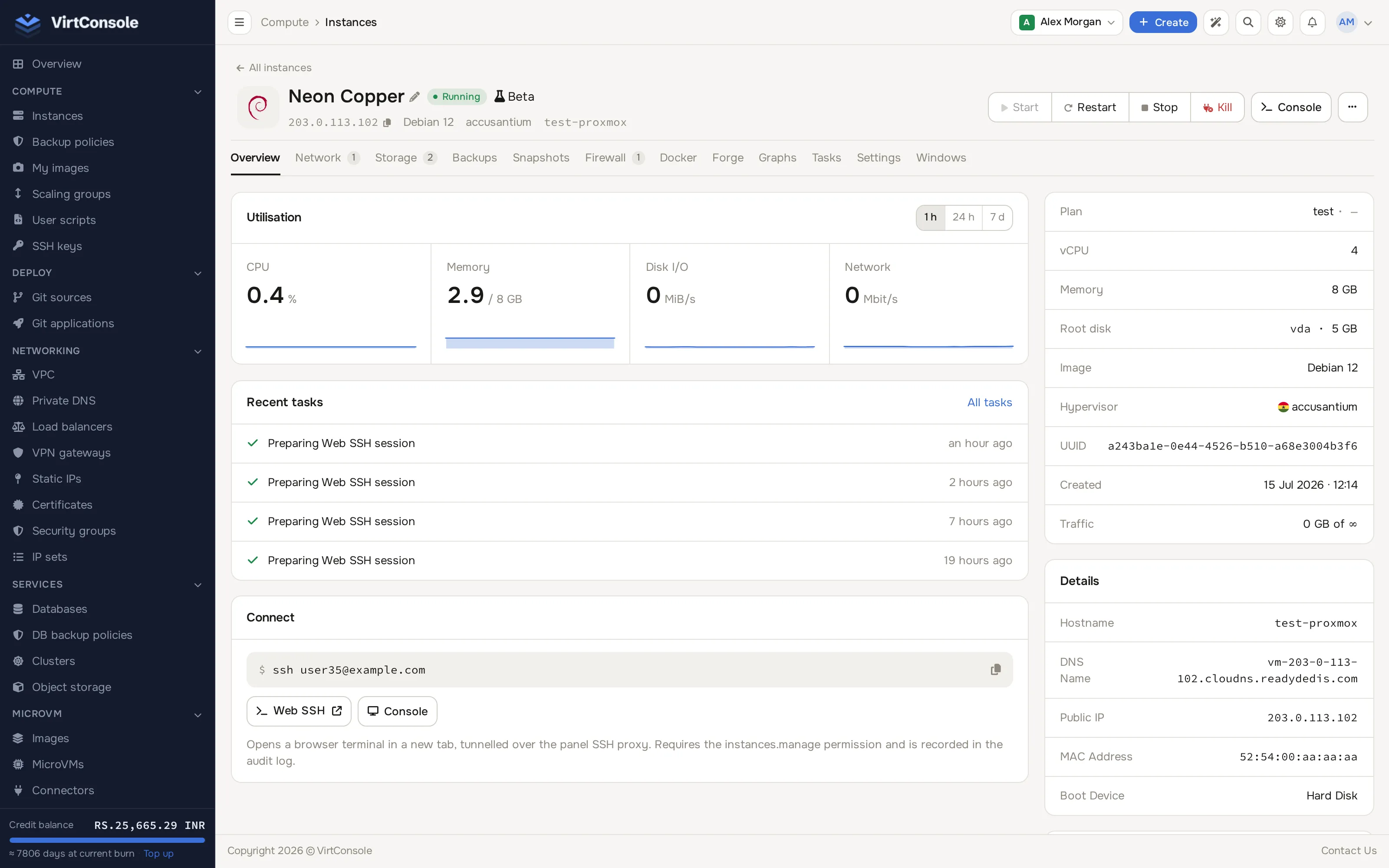
Section titled “Where to find it”Open the instance manage page (Compute > Instances > Manage). On the Overview tab, the Connect card has a Web SSH button next to Console. The same action is in the … menu next to the header’s Console button.
-
Click Web SSH. A new browser tab opens with a terminal.
-
Wait for the session to connect. You land at a shell on the instance.
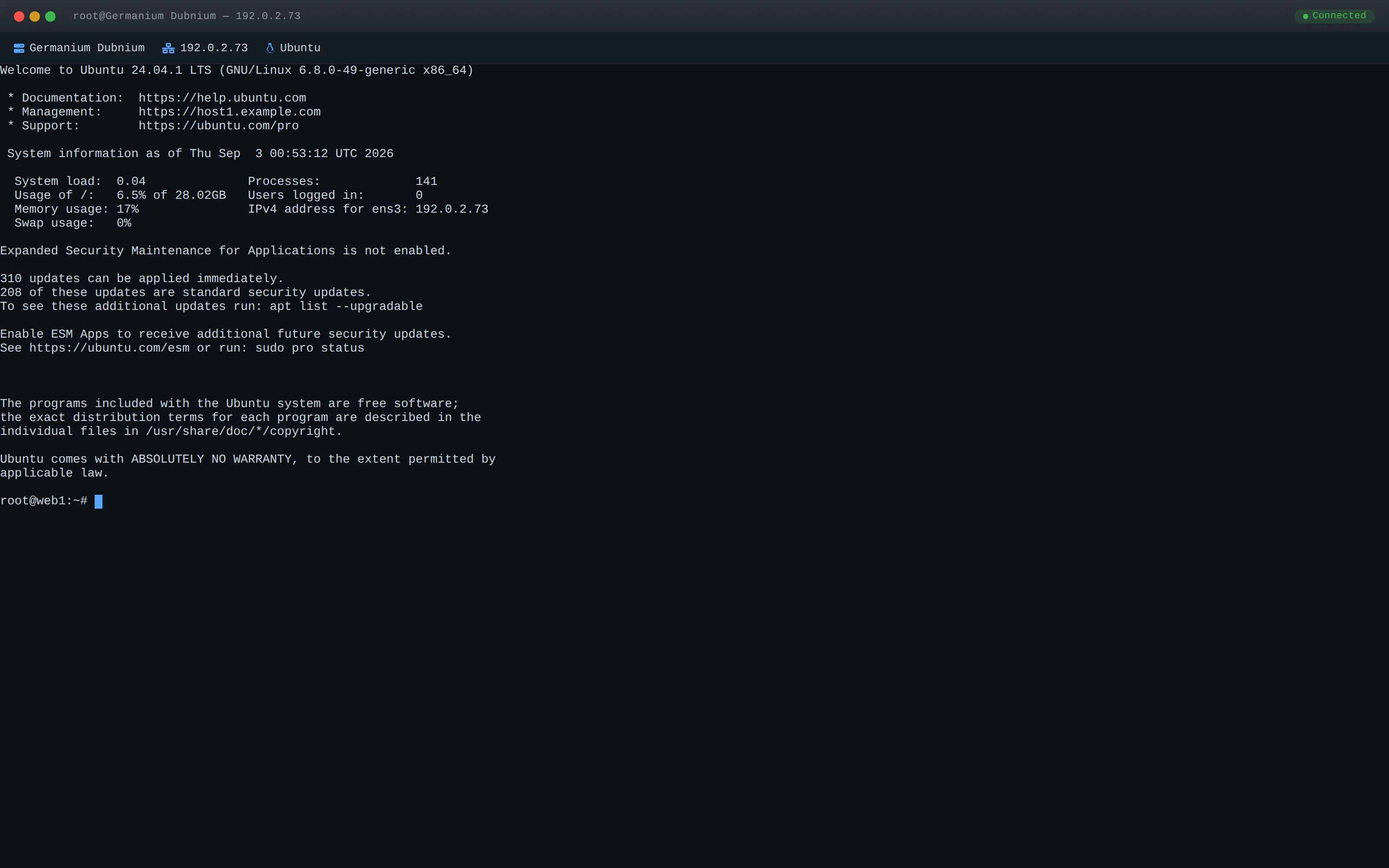
Sessions are created on demand and cleaned up automatically when you close the tab. Each session starts from a single-use token that expires after 15 minutes if it is not used, so open the terminal soon after you click the button.
On a KVM instance the guest agent must answer when you click Web SSH, because the platform installs its temporary key through it. If you script this through the API, see the session endpoint in the API changelog for the WebSocket URL and the failure reasons.
Common problems
Section titled “Common problems”- “Failed to open SSH session.” The instance is not running, the guest agent is not installed or not running inside the OS, or a firewall inside the OS blocks SSH (TCP port 22 by default). Check the agent with
systemctl status qemu-guest-agentinside the OS (via the console). - The terminal opens then immediately disconnects. The temporary key could not be injected or the SSH daemon rejected the login. Check the SSH daemon logs inside the OS (
/var/log/auth.logorjournalctl -u ssh). - There is no Web SSH button. The instance is stopped or is not a Linux image. Use the VNC console instead.