

Certificates
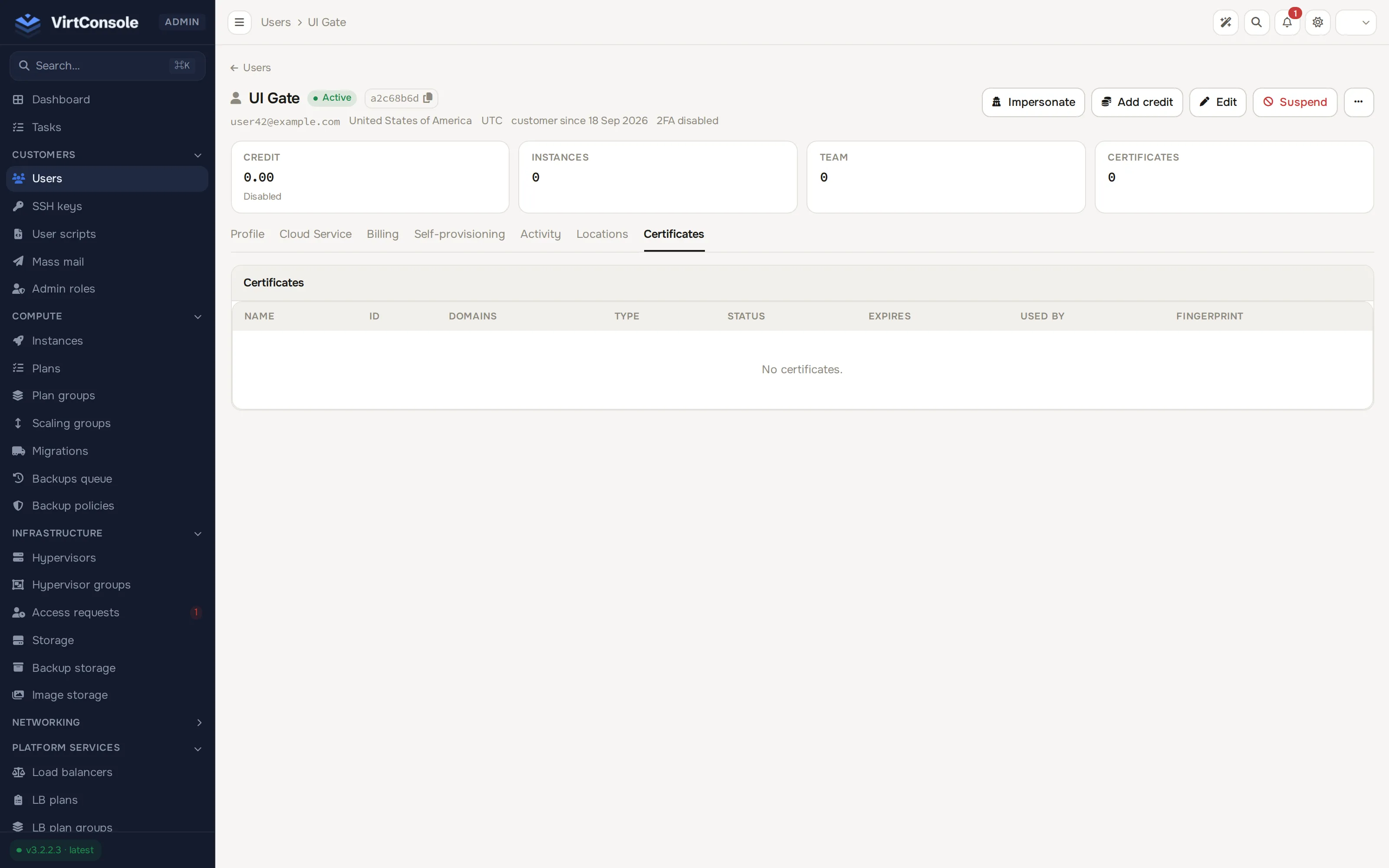
Certificates are TLS certificates your customers manage at the account level, independent of any single load balancer. A customer uploads a certificate (or issues one from Let’s Encrypt) once, then attaches it to as many load balancer listeners as they like. Uploading, issuing, and deleting are self-service; the admin panel provides oversight.
Where to find it
Section titled “Where to find it”Open a customer under Customers > Users. The Certificates tab lists every certificate the account owns, including Kubernetes-managed ones.
| Column | Meaning |
|---|---|
| Name | The customer’s label. |
| ID | A stable UUID, copyable with one click. Use it in automation (OpenTofu, MCP). |
| Domains | The primary domain plus a SAN count. |
| Type | Let’s Encrypt or Uploaded. |
| Status | Issuance state, for example Active, Pending DNS, Issuing, Failed, Renewal Pending. |
| Expires | Time until expiry. |
| Used by | The load balancer listeners referencing the certificate. |
| Fingerprint | A SHA-256 hash, used to detect duplicate uploads. |
The tab is read-only. You cannot upload or delete certificates on a customer’s behalf; that stays a self-service action for the account owner.
How the store works
Section titled “How the store works”- Upload validation. The private key must match the certificate. A supplied CA chain must parse and actually sign the leaf. Expired certificates are rejected outright. The panel reads the domain, SAN list, and expiry date out of the certificate itself.
- Quota. Each account has a certificate quota, 20 by default. Raise it, lower it, or set it to
0for unlimited from the account’s Resource Limits on its Cloud Service tab; see Manage users. - Let’s Encrypt. Issued through a load balancer the customer picks, which answers the HTTP-01 challenge on its public IP. The domain must resolve to that IP. Certificates are valid 90 days and renew automatically from 30 days before expiry, through the same load balancer. If that load balancer is deleted, renewal is blocked until the customer re-issues through one that exists.
- SNI. A listener holds an ordered list of certificates. The first is the default served to clients that send no server name; the rest are served by SNI, so one port can serve several unrelated domains.
- In-use protection. A certificate referenced by a listener cannot be deleted. The error lists the load balancers and ports using it.
- Kubernetes-managed. Certificates minted by the Kubernetes load balancer bridge appear in the store tagged as managed and are read-only for the customer.
- Expiry alerts. An uploaded certificate approaching expiry sends an email to the account owner, and monitoring supports certificate alert rules. Let’s Encrypt certificates renew themselves and skip the reminder.
Customers manage the full workflow (upload, Let’s Encrypt requests, attaching to listeners, deletion) from the user panel. See Certificates (user guide).