

Projects
A project is an optional label you put on your own resources to keep them organized: one per application, per environment (production, staging), or per client if you resell. A project changes nothing about permissions, billing or where things run; it answers “which of my resources belong together?”.
A resource belongs to at most one project. Resources with no project work exactly the same.
Resources you can put in a project: instances, VPCs, load balancers, object-storage buckets and managed databases.
Where to find it
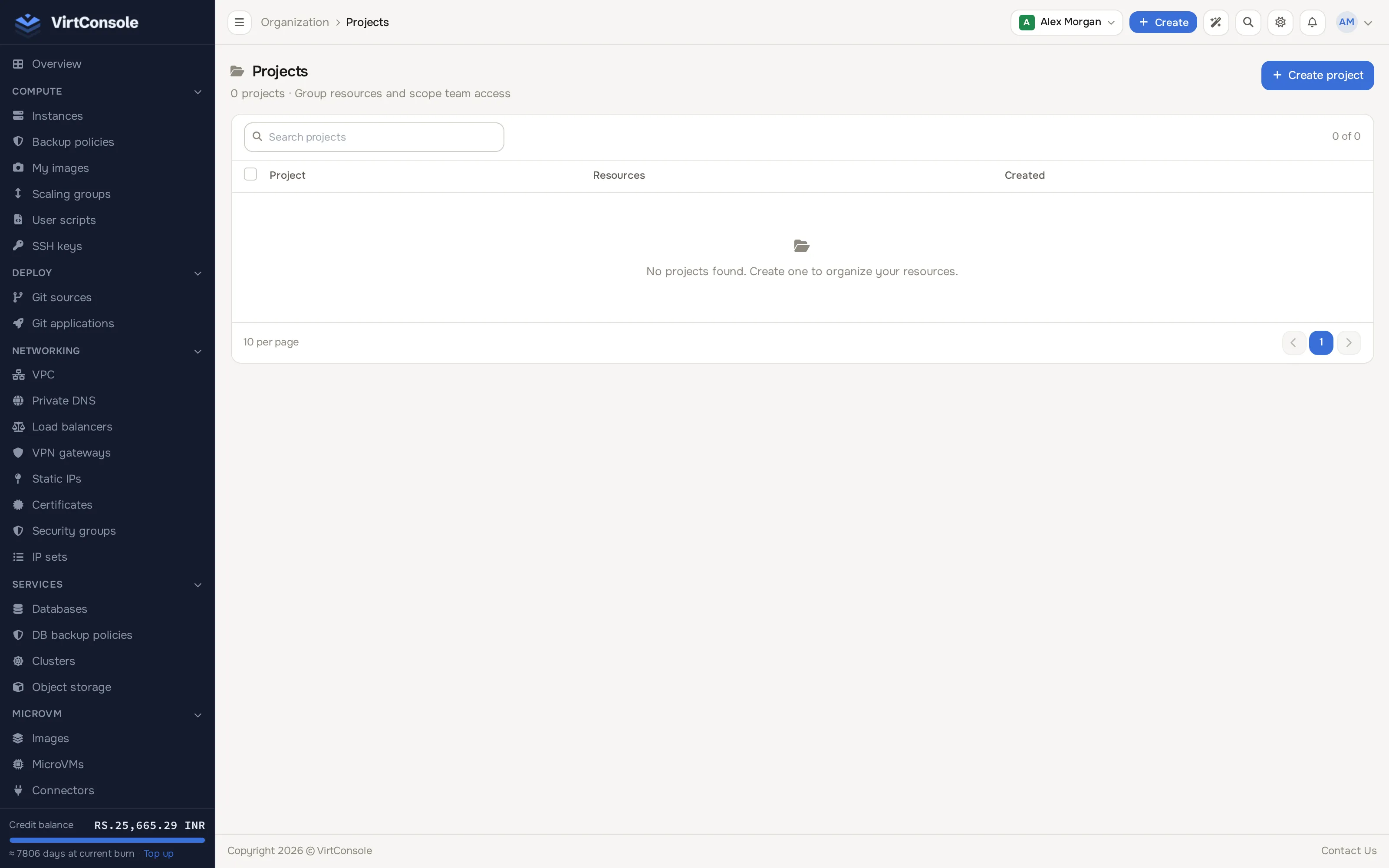
Section titled “Where to find it”Click Projects in the sidebar’s Organisation group.
The projects list.
Create a project
Section titled “Create a project”-
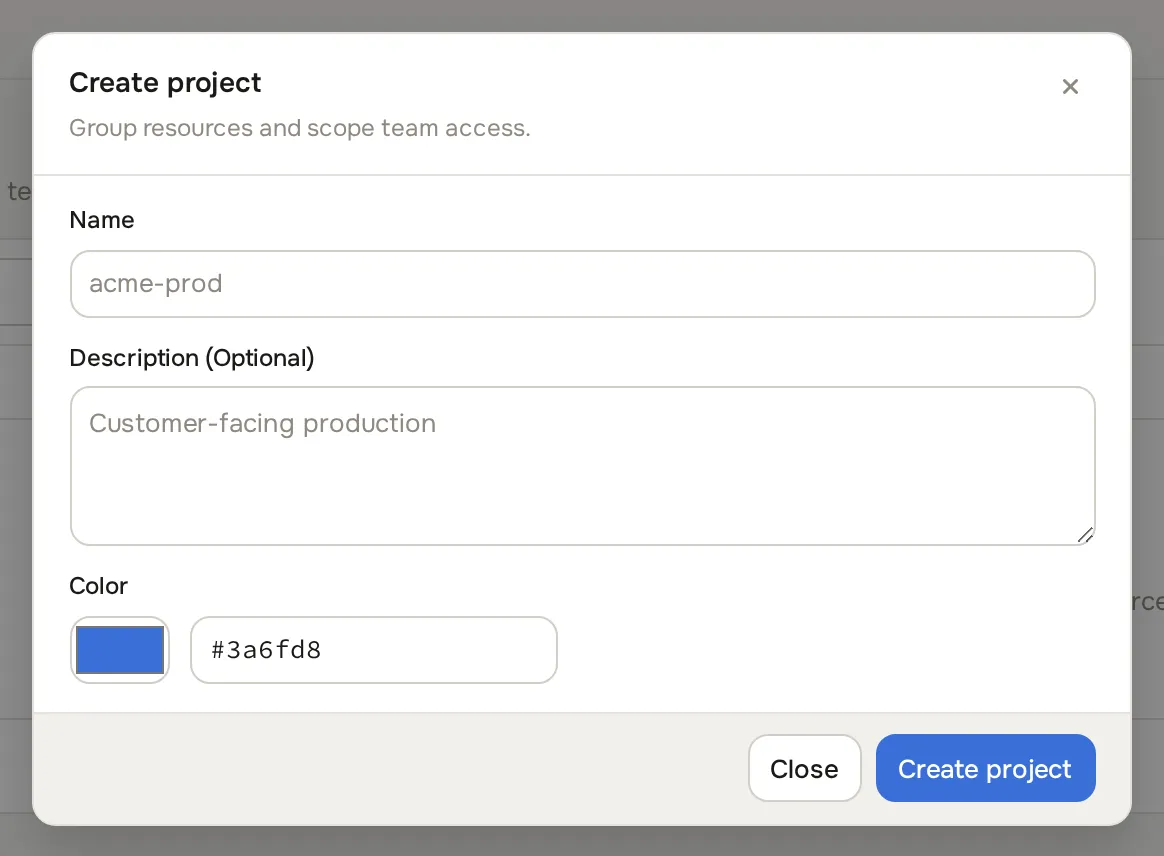
Click Create project. The create dialog opens.
-
Enter a Name, an optional Description, and pick a Color for its tag.
-
Click Create project.
The list is a table of your projects with a resource count and creation date; each row has View, Edit and Delete actions (deleting unassigns its resources without deleting them). Click View to open a project’s detail page, which lists everything assigned, one tab per resource type (Instances, VPCs, Load Balancers, S3 Buckets and, when enabled, Databases).
Assign a resource
Section titled “Assign a resource”Each resource type has its own control:
- Instance: open the instance manage page; the Overview tab has a Project dropdown.
- VPC: the project dropdown on the VPC’s detail page.
- Load balancer: the project dropdown on the load balancer detail page.
- S3 bucket: the project dropdown on the bucket detail page.
- Managed database: the project dropdown on the database’s detail page.
From a project’s own detail page, unassign a resource with the unlink action on its row.
Filter by project
Section titled “Filter by project”Selecting a project filters the resource list pages across the panel to that project, so you can focus on one application without seeing unrelated infrastructure.
Common problems
Section titled “Common problems”- An assigned resource does not show in the project. Refresh the project detail page; counts and lists load on page open. Resources moved between accounts lose their project label.
- A team member cannot see Projects. Their role lacks the Projects view permission. Adjust it under Roles in the sidebar’s Organisation group. See Team members and roles.