

Reports and webhook log
Two pages close the accounting loop. Reports exports the money history of your platform as CSV files for your accounting team. Webhook Log records every server-to-server notification your payment gateways sent you, so you can confirm exactly what the gateway said and when.
Reports
Section titled “Reports”In the admin panel go to Billing > Billing reports.
- Pick a From and To date.
- For the tax summary, optionally set a Fiscal Year such as
2024-25. - Click Generate CSV on the report row you need.
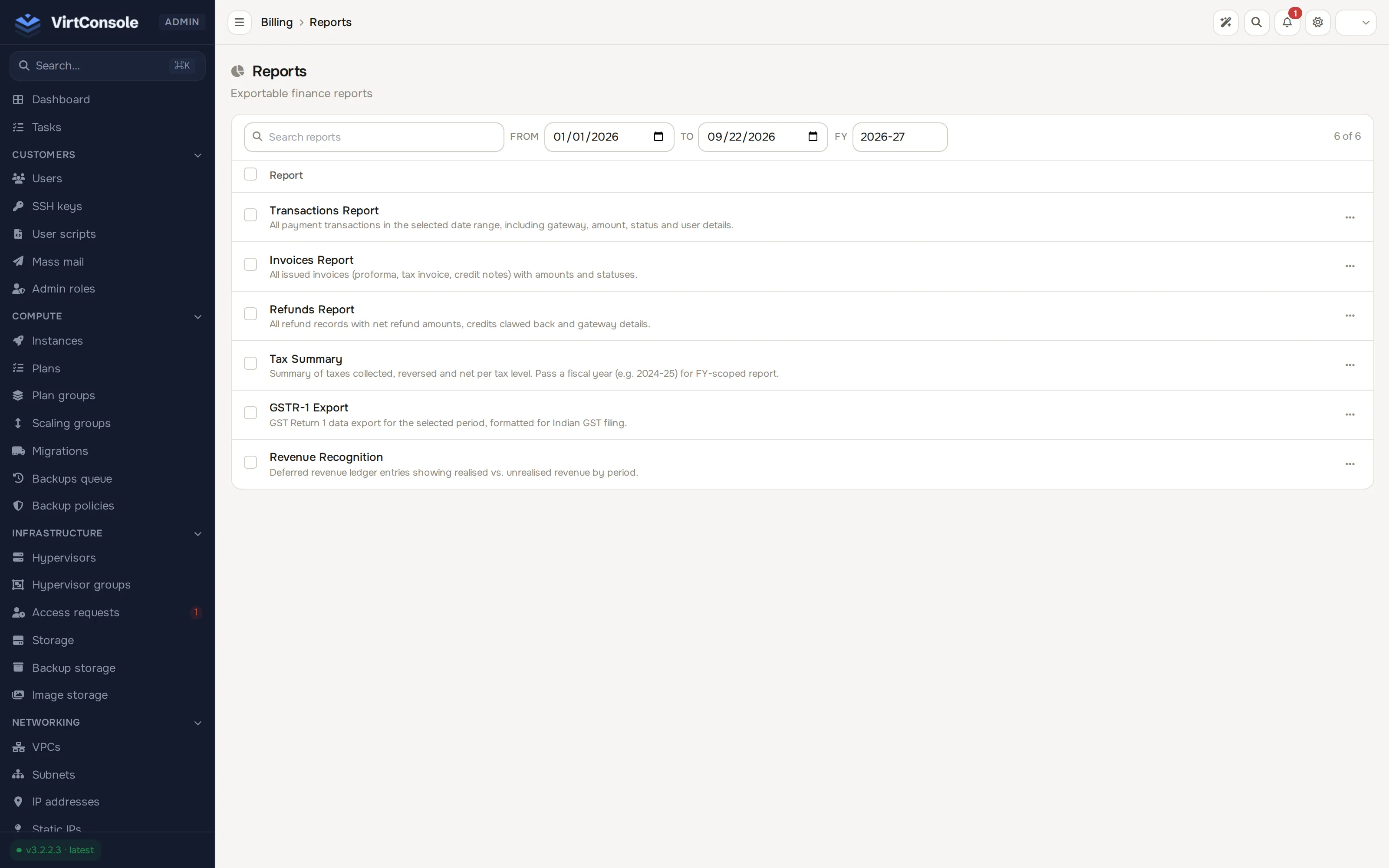
Available reports:
| Report | Contents |
|---|---|
| Transactions Report | All payment transactions in the range: gateway, amount, status and user details. |
| Invoices Report | All issued documents (proforma, tax invoice, credit note) with amounts and statuses. |
| Refunds Report | All refunds with net amounts, credits clawed back and gateway details. |
| Tax Summary | Tax collected, reversed and net per tax level. Pass a fiscal year for an FY-scoped report. |
| GSTR-1 Export | GST Return 1 data for the period, formatted for Indian GST filing. |
| Revenue Recognition | Deferred revenue ledger entries showing realised vs unrealised revenue by period. |
Webhook log
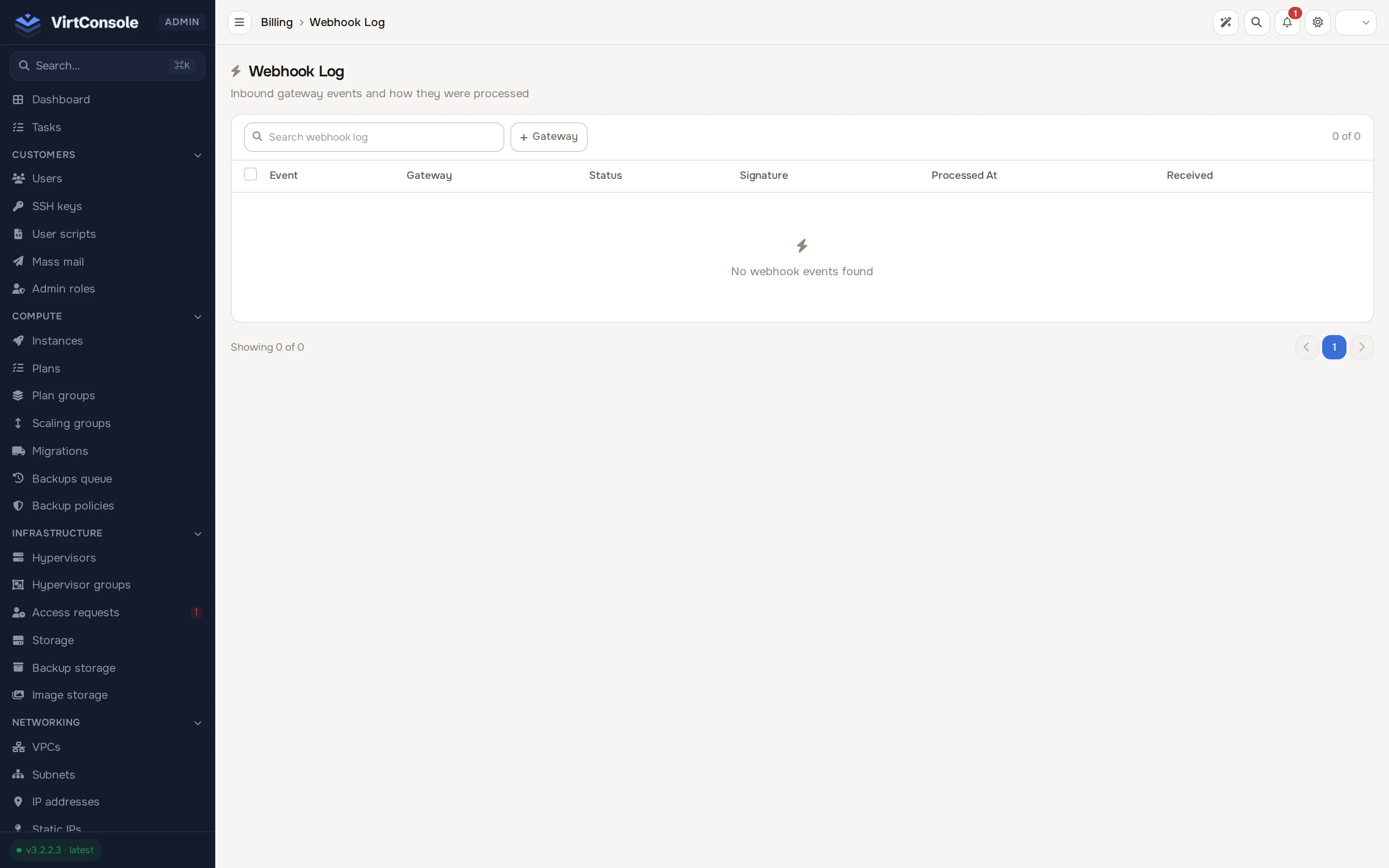
Section titled “Webhook log”In the admin panel go to Billing > Webhook log. Gateways notify the panel of payment events (succeeded, failed, refunded) over webhooks; every one is stored for auditing. The list shows Event, Gateway, Status, Signature, Processed At and Received, with a Gateway filter (Stripe / PayPal / Razorpay).
The Signature column tells you whether the webhook’s signature verified against the gateway’s secret.
If an event arrived but did not apply correctly, use the Replay action on its row to run it through the panel’s payment handling again.
Common problems
Section titled “Common problems”- A report download is empty. The date range has no matching rows. Widen the range, and remember the tax summary also honours the Fiscal Year field.
- A payment succeeded at the gateway but the customer has no credit. Find the event in the Webhook log. A failed signature or a failed processing status points at the cause; use Replay, or replay the webhook from Billing > Transactions. See Payments and account credit.
- Webhooks show signature verification failures. The webhook secret configured at the gateway does not match the panel’s gateway credentials. Re-check the credentials under Billing > Payment gateways.