Projects
Overview
A project is an optional label a customer puts on their own resources to keep them organized. A project does not change permissions, billing, or where things run; it is purely a grouping that helps a customer answer "which of my resources belong to this app, this environment, or this client?".
A single resource (for example one instance) belongs to at most one project. A resource that is not assigned to any project is still fully usable; the project just stays empty.
Concepts
Resource types you can put in a project
- Instances (virtual machines)
- VPCs (Virtual Private Clouds: private networks the customer defines)
- Load balancers
- Object-storage buckets (S3-compatible storage containers)
- SSH keys (the public half of a key pair used to log into instances without a password)
- User scripts (small reusable shell scripts the customer can run on an instance during deploy)
Typical uses of a project label
- One project per application (
billing-api,marketing-site). - One project per environment (
production,staging,development). - One project per end client, for resellers.
Projects are a per-user feature. Each customer manages their own projects; they are not shared between accounts, and they are not visible to other customers.
Admin steps
The Projects feature is built into the user panel and does not need to be turned on per platform. As an admin you do not configure it directly; you only need to make sure customers have the Projects permission, which is included in the built-in Viewer, Operator, and Admin roles by default. See Team Management & IAM for adjusting role permissions.
If you want to hide Projects from a specific team member, edit their role under Organization -> Roles in their own account and clear the Projects group.
What end users see
Creating a project
- Open Projects in the sidebar (under the Organization section).
- Click Create Project.
- Enter a Name and an optional Description.
- Click Create.
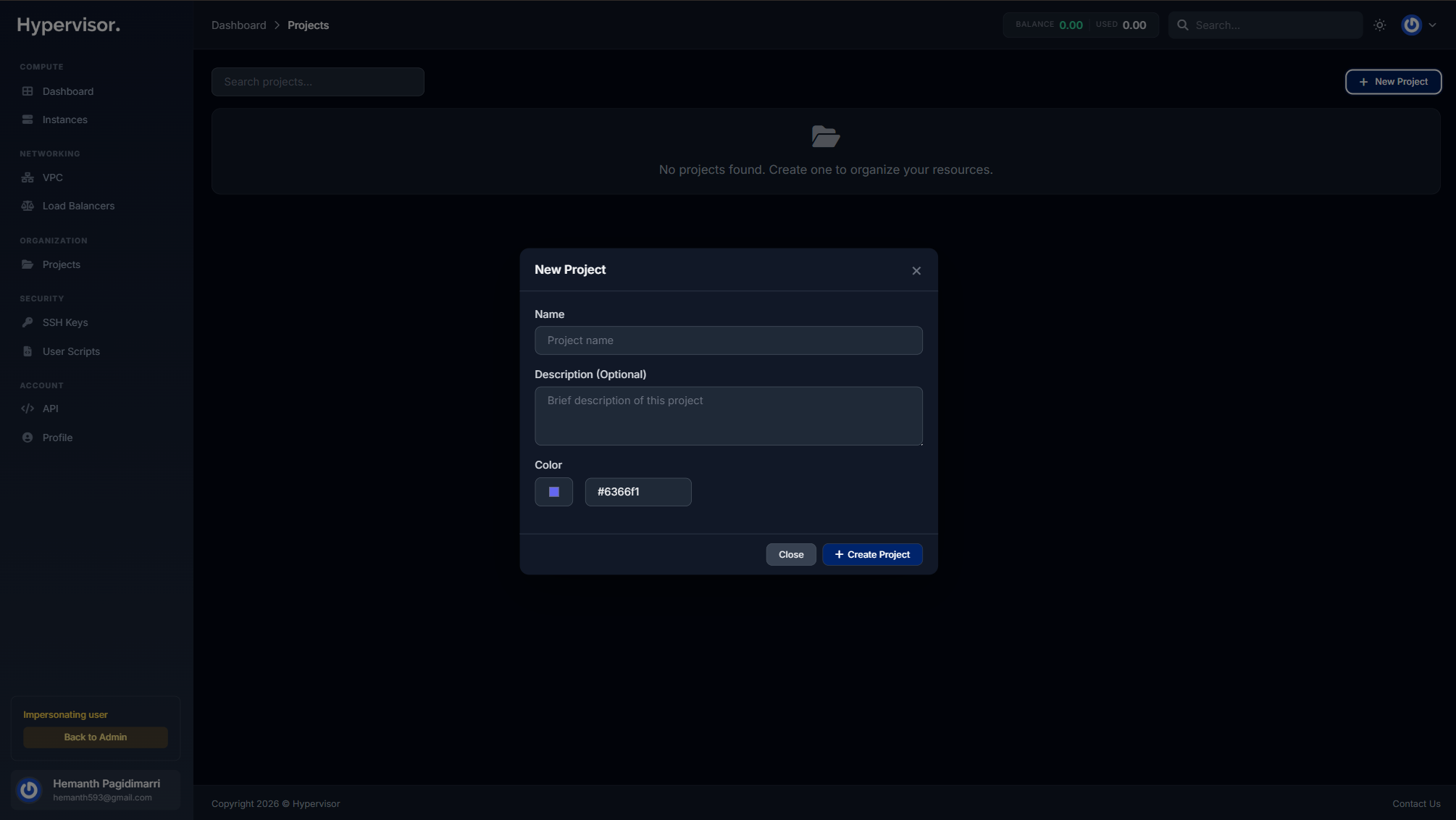
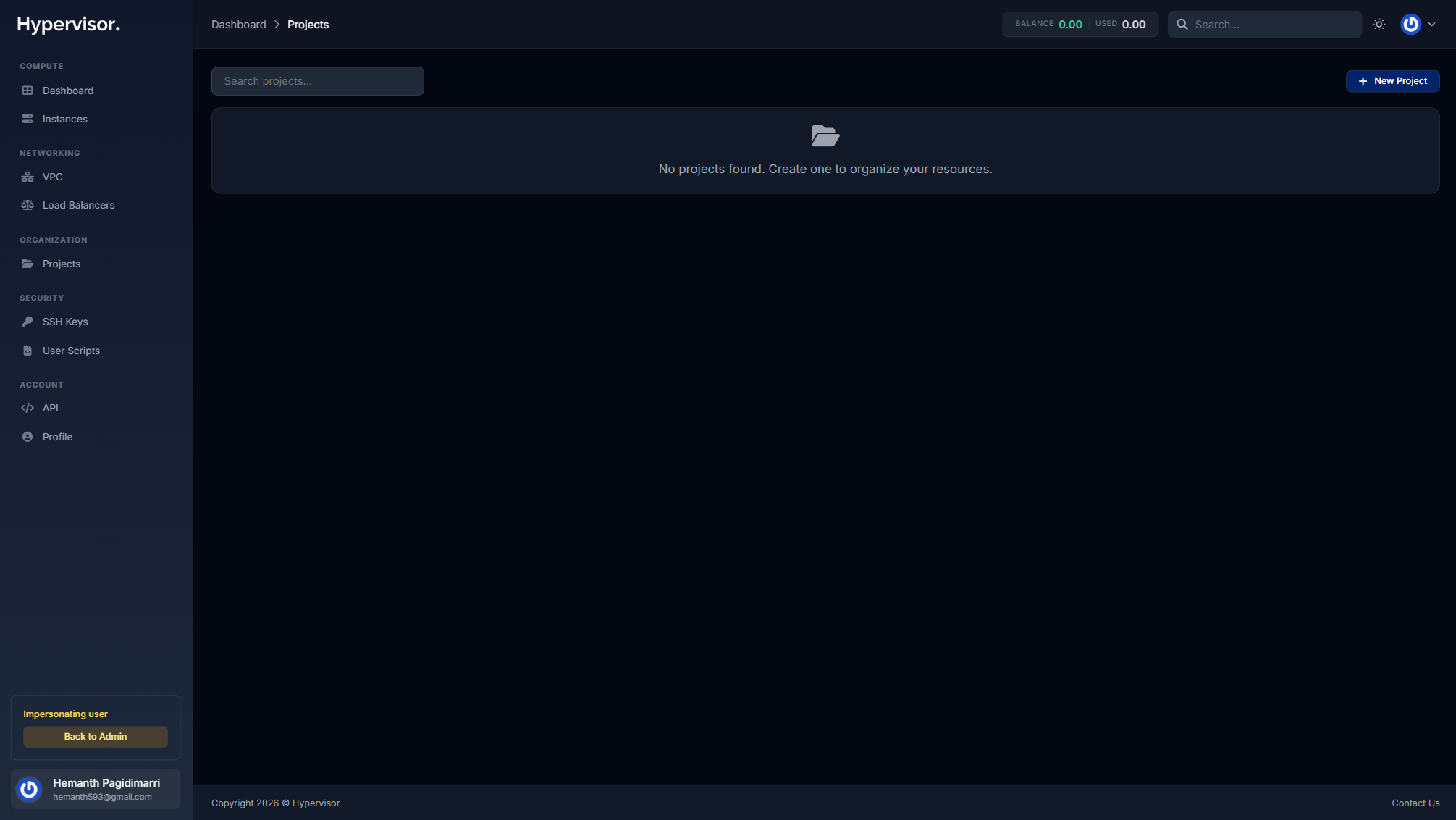
Project list
The Projects page shows every project as a card, with a count of how many resources of each type have been assigned to it.
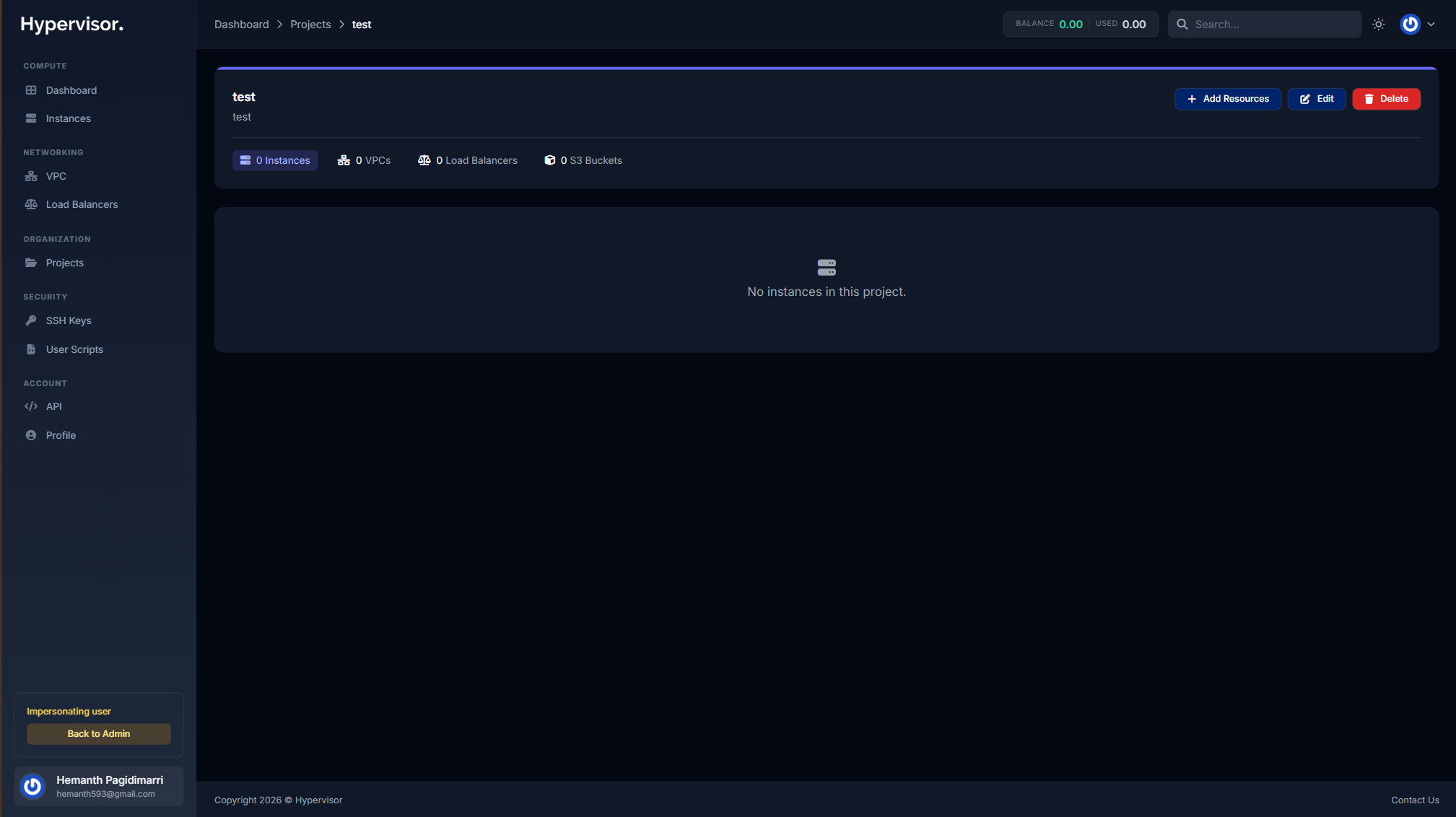
Project detail
Clicking a project opens a tabbed page that lists all the resources assigned to it, grouped by type (Instances, VPCs, Load Balancers, S3 Buckets, SSH Keys, User Scripts).
Assigning a resource to a project
Each resource type has its own assign control:
- Instance: open the instance manage page and pick a project from the Project dropdown.
- VPC: on the VPCs index page, use the project dropdown on the VPC card.
- Load balancer: on the load balancer detail page, use the project dropdown.
- S3 bucket: on the bucket detail page, use the project dropdown.
- SSH key: on the SSH Keys index page, use the project dropdown on the key row.
- User script: on the User Scripts index page, use the project dropdown on the script row.
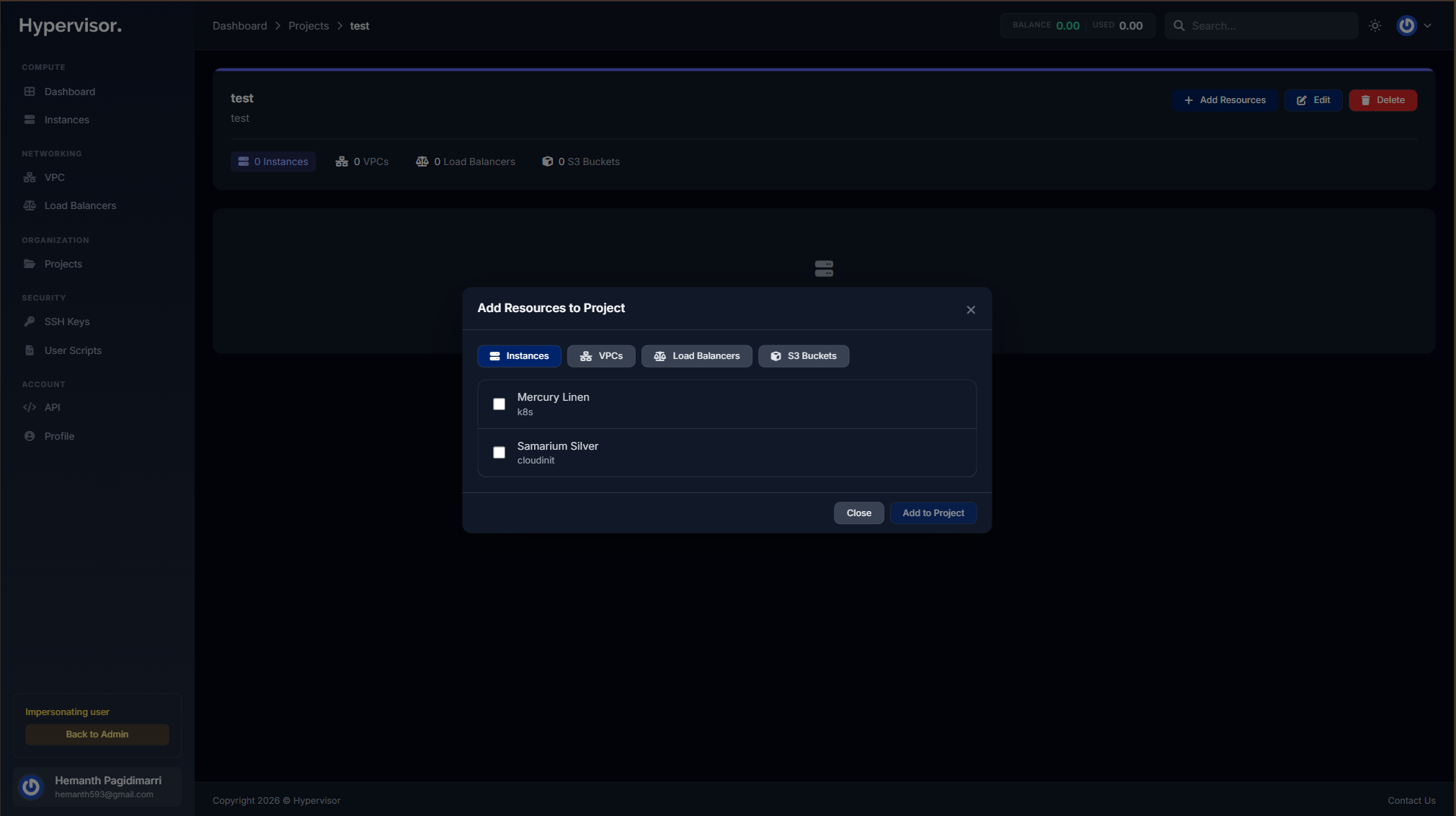
From a project's detail page, you can also assign several resources to that project in one go using the bulk assignment control on each tab.
Filtering by project
When a project is selected, the resource list pages across the panel filter to show only resources that belong to that project. This lets a customer focus on one application or environment without seeing unrelated infrastructure.
Troubleshooting
A resource I just assigned is not showing in the project
- Refresh the project detail page. Counts and lists are loaded once on page open.
- Confirm the resource still belongs to the same customer. Resources transferred between accounts lose their project label.
The Projects menu item is missing from a team member's sidebar
- That team member's role does not include the Projects -> View permission. Adjust the role under Organization -> Roles in the account that owns the resources. See Team Management & IAM.
Related pages
- Team Management & IAM for controlling who can see and edit projects.