Payments & Account Credit
Overview
Payments & Account Credit lets you take real money from customers directly inside the platform. A customer adds funds to their account balance using a card or wallet, and that balance pays for their hourly Cloud Service usage: instances, volumes, load balancers, databases and every other metered resource.
This is a complete, self-contained billing system. You do not need an external billing platform to run a pay-as-you-go cloud. If you already use one of the external billing integrations (WHMCS, Blesta, HostBill), the two work side by side and you can adopt the built-in payments at your own pace.
Account credit is the same credit consumed by Cloud Service hourly billing. Payments are simply how customers put money onto that balance. See the Cloud Service guide for how usage is metered and charged.
Concepts
A few terms you will see throughout this guide:
- Account credit is a prepaid balance on a customer's account. The platform deducts from it hourly as the customer's resources run.
- Top-up is the act of paying money into account credit. Every successful top-up produces an invoice.
- Payment gateway is an external payments processor (Stripe, Razorpay, PayPal) that takes the card/wallet payment on your behalf. The platform plugs into the gateway's API; you do not have to handle card data directly.
- Tax rule set is a collection of tax rates that apply by region. The platform picks the correct rule based on each customer's tax profile.
- Promotional code is a coupon a customer can type at top-up time to receive bonus credit or a discount.
- KYC (Know Your Customer) is an identity verification step. Required in some regulated markets before a customer can transact.
- Webhook is a server-to-server callback. Gateways use them to notify the platform when a payment finally settles. The platform records every webhook it receives for auditing.
Admin Configuration
Billing dashboard
The dashboard summarises the money moving through your platform: funds taken in, credit consumed, tax collected, and refunds issued.
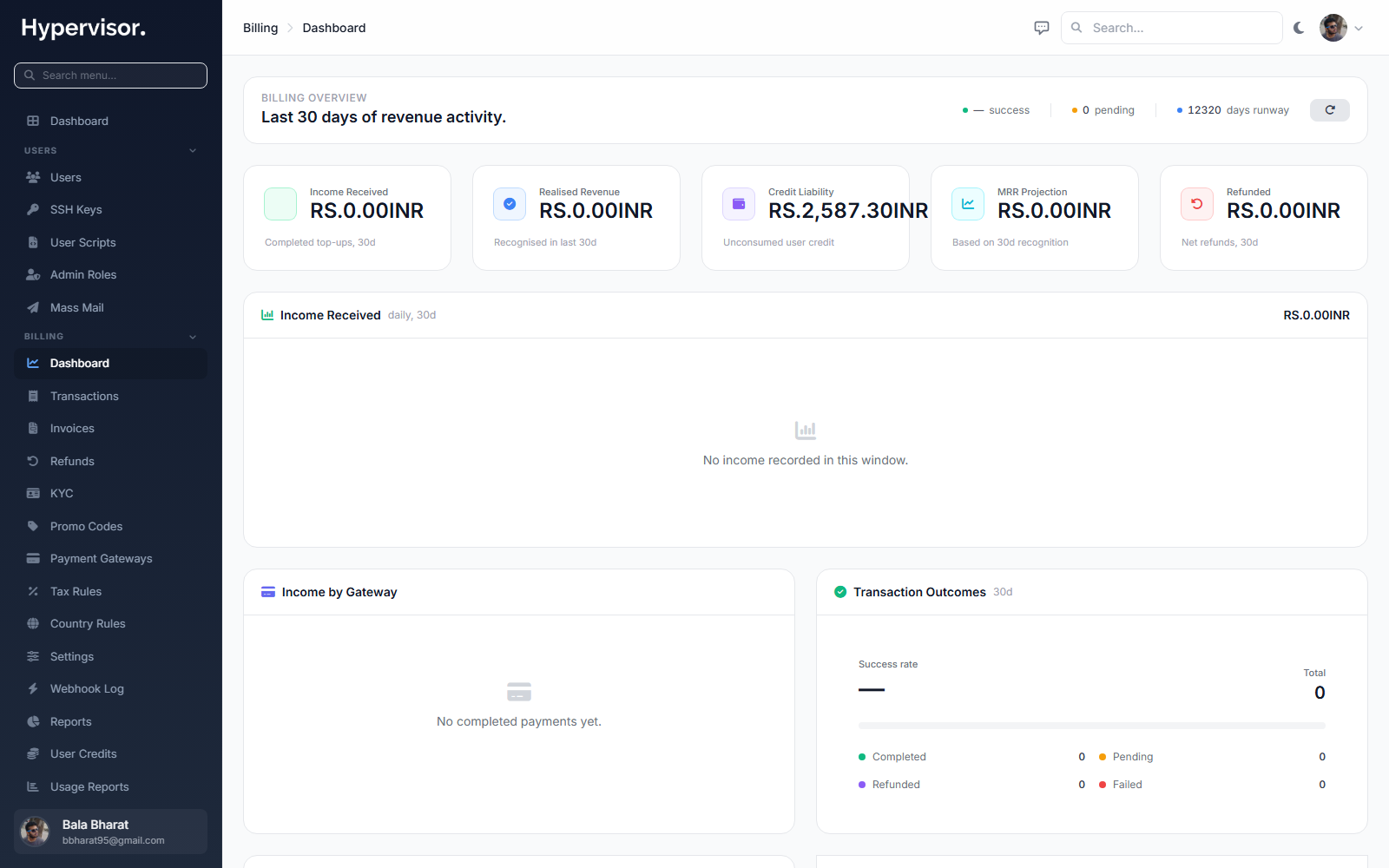
A daily income digest email gives you a quick read on the previous day's activity without having to log in. You choose whether to receive it and which address it goes to.
Currencies
Currencies are managed inside Billing > Settings, not on a separate page. Each currency you add becomes available everywhere prices show up (plans, invoices, top-up forms). The first currency you add is the platform default.
Open Billing > Settings, find the Currencies card, and click Add Currency. The create form opens as a modal:
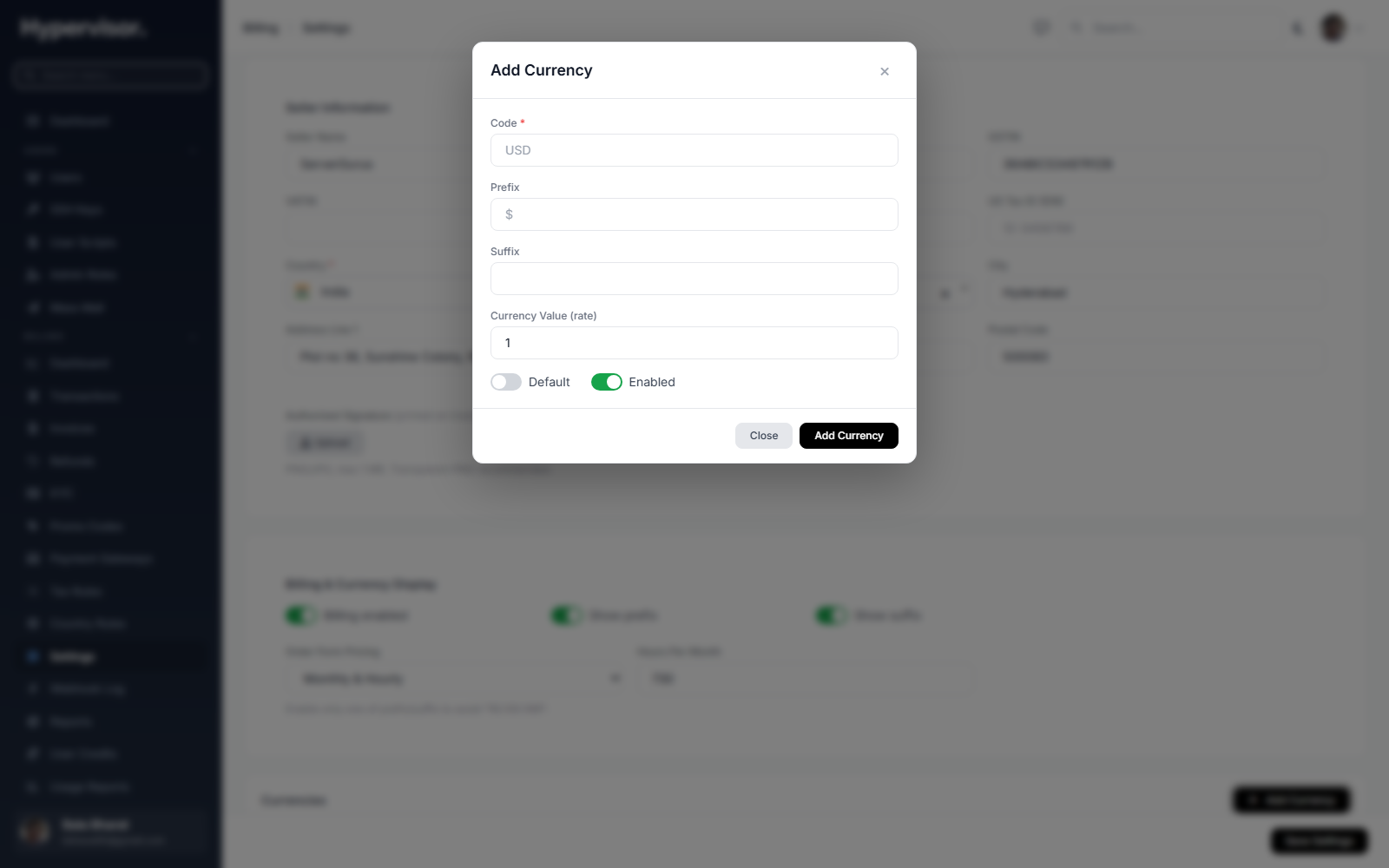
Fill in the ISO code (USD, INR, EUR), display name, prefix or suffix symbol, and the exchange-rate value used to convert between currencies on the platform. Save to add the currency.
Payment gateways
Connect one or more gateways so customers have a way to pay. Stripe, Razorpay and PayPal are supported out of the box, and you can enable more than one at the same time so customers pick their preferred option at checkout.
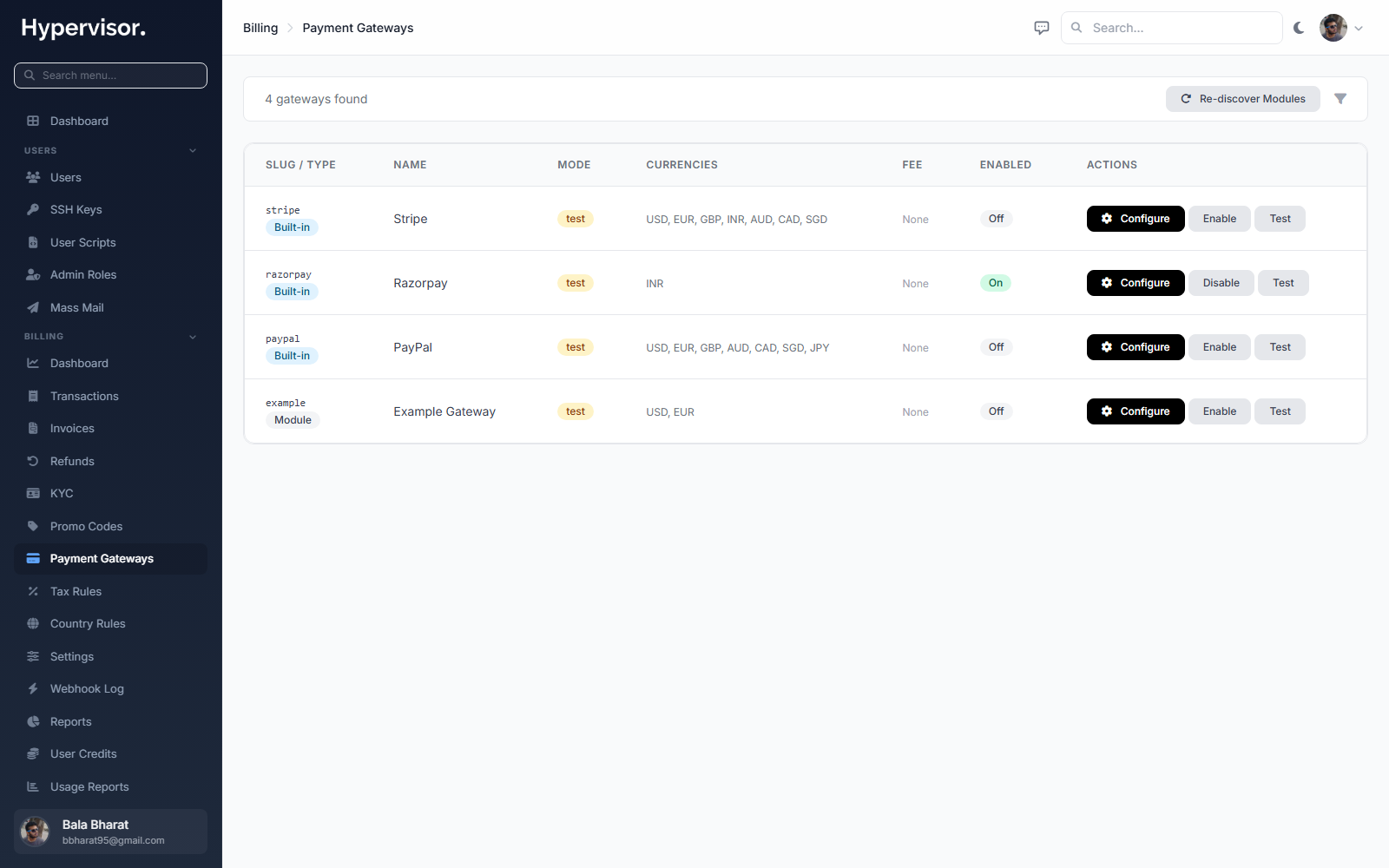
Each gateway is configured with its own credentials. Start in the gateway's test mode to confirm the full payment flow works end to end, then switch to live mode. Every incoming payment is verified with the gateway before any credit is added, so a payment can never be faked or replayed to create free credit.
Tax rule sets
Define how tax is applied to top-ups. You set which regions are taxed and at what rate, and the platform applies the correct rule based on each customer's tax profile.
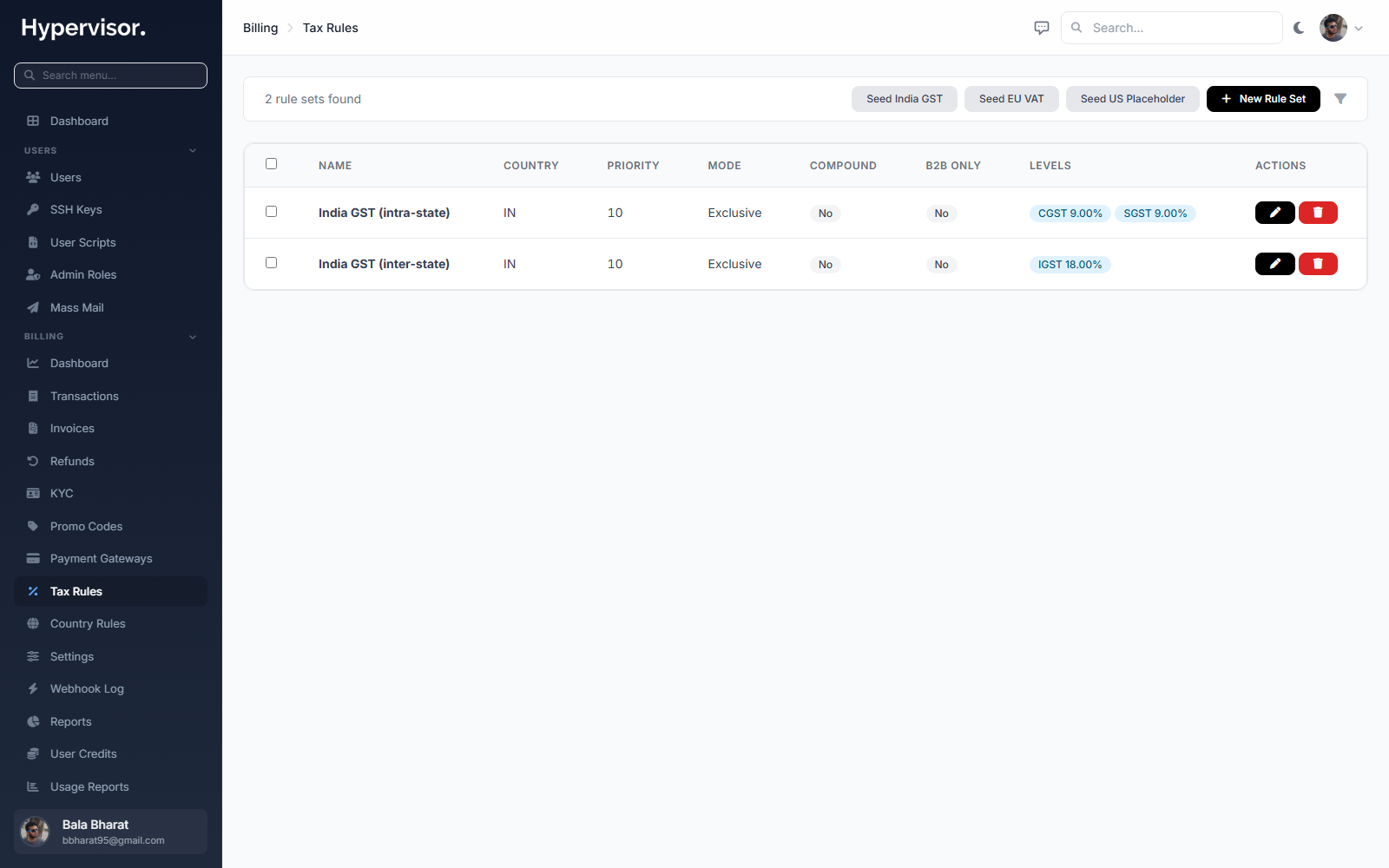
Click Add Tax Rule within a rule set to define the rate that applies to a region.
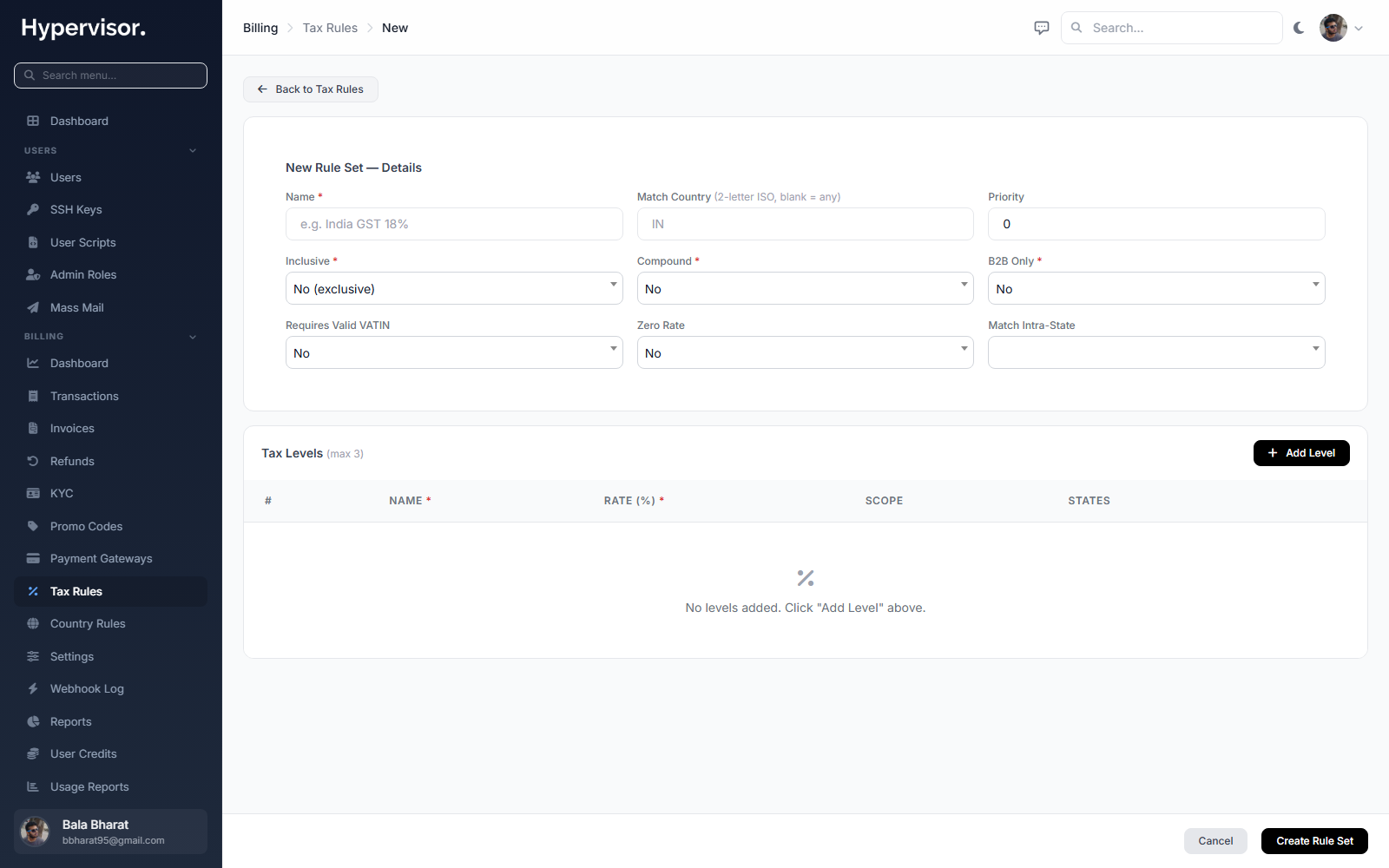
For business customers in regions that use VAT (Value Added Tax, a consumption tax used across the EU, UK, and many other countries), the platform validates the customer's VAT identification number so that business-to-business transactions are treated correctly.
Countries
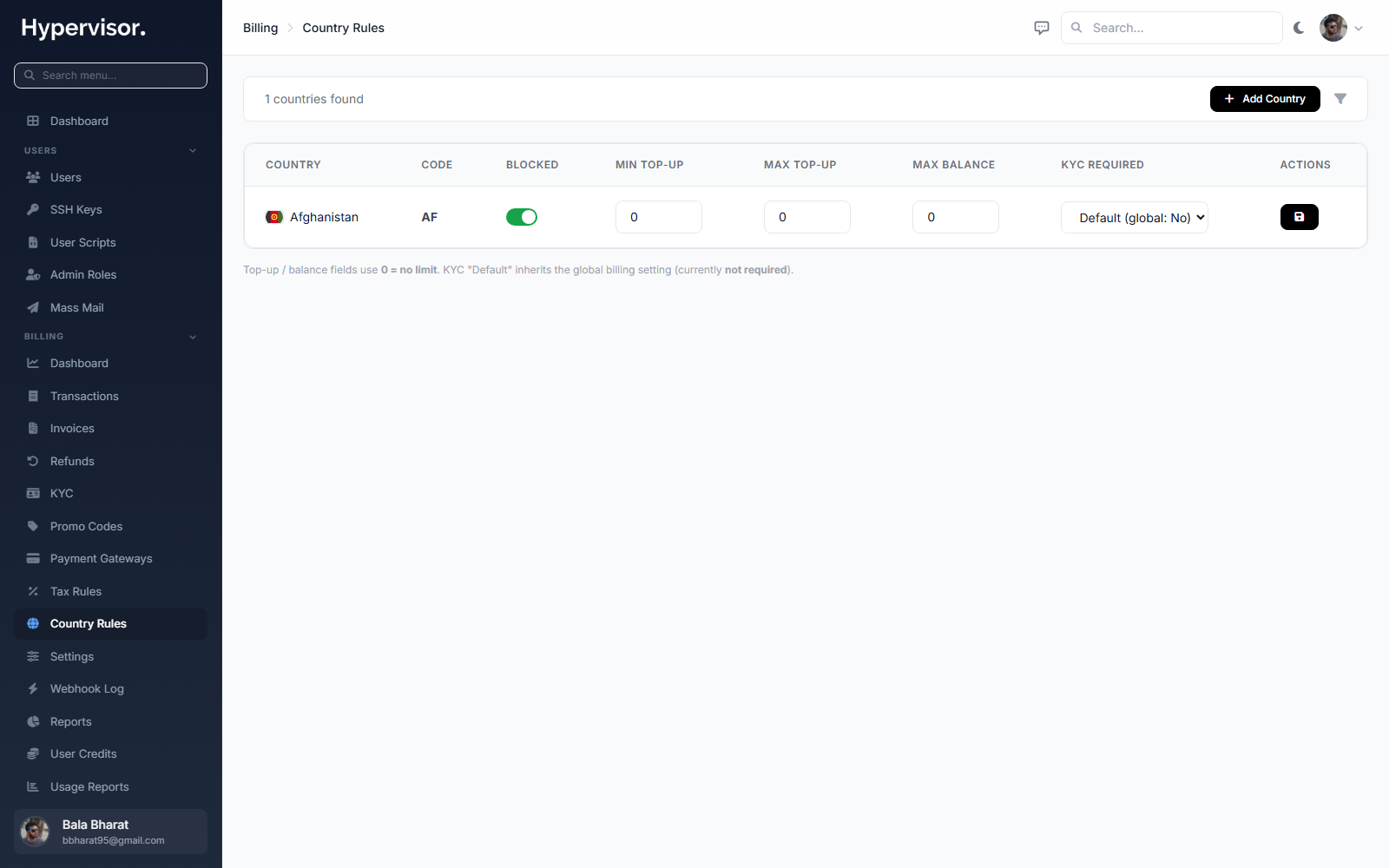
Configure which countries you accept customers from and how each maps to a currency and a tax rule set.
Promotional codes
Create codes that reward customers at top-up time, either by granting bonus credit or applying a discount.
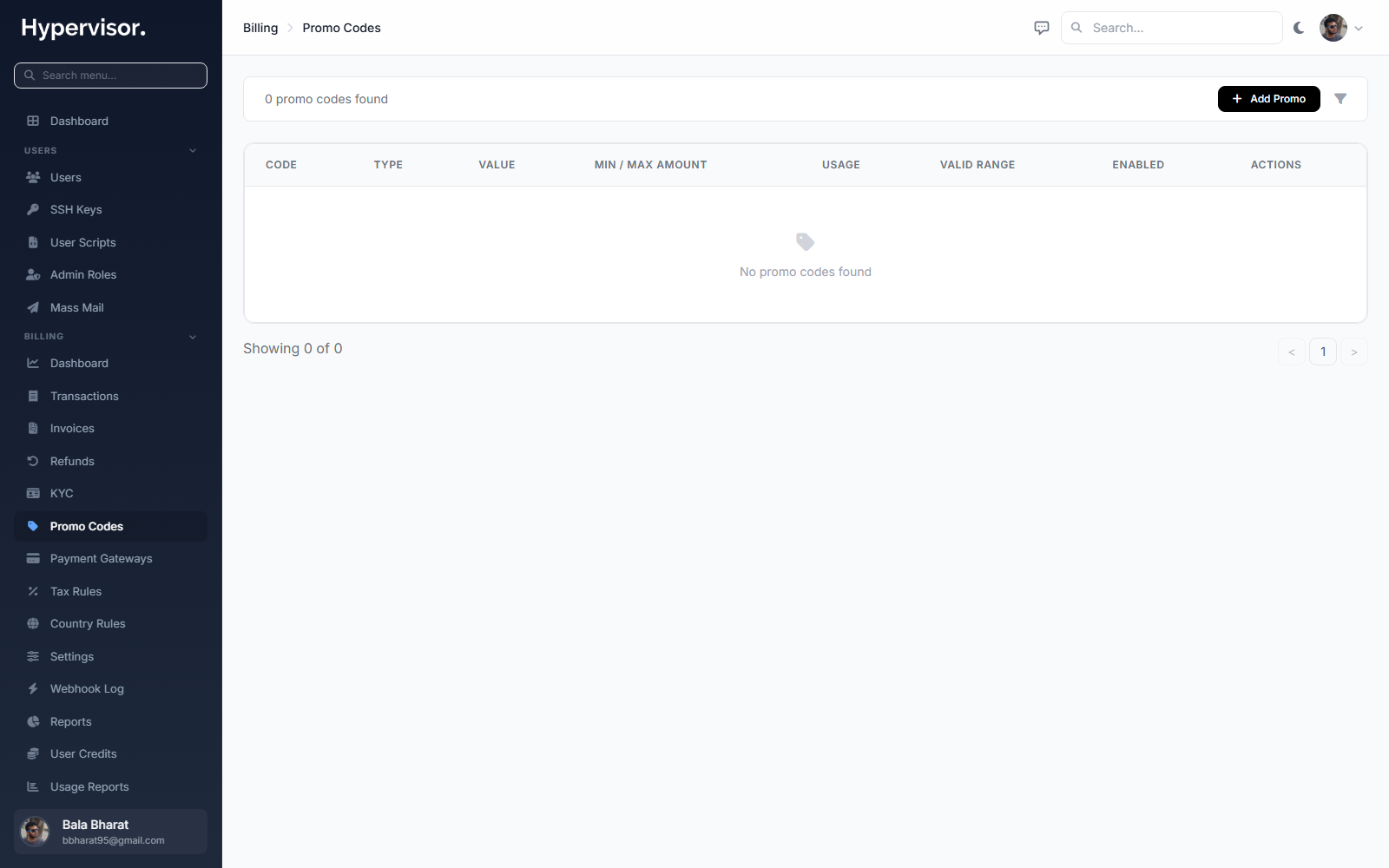
Click Add Promotion to open the create form.
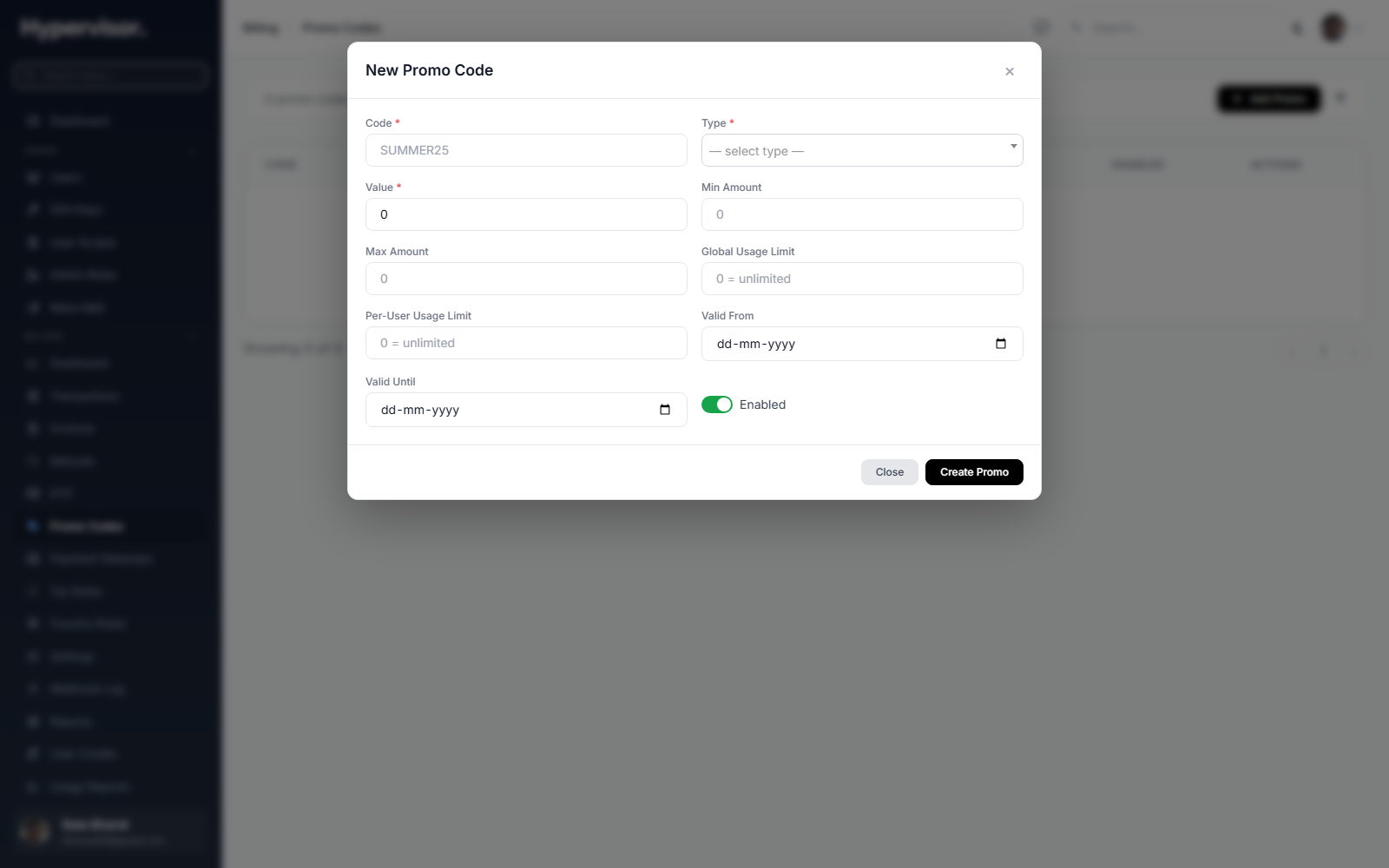
Codes are checked live while the customer is completing a top-up, so an expired or invalid code is rejected before any payment is taken.
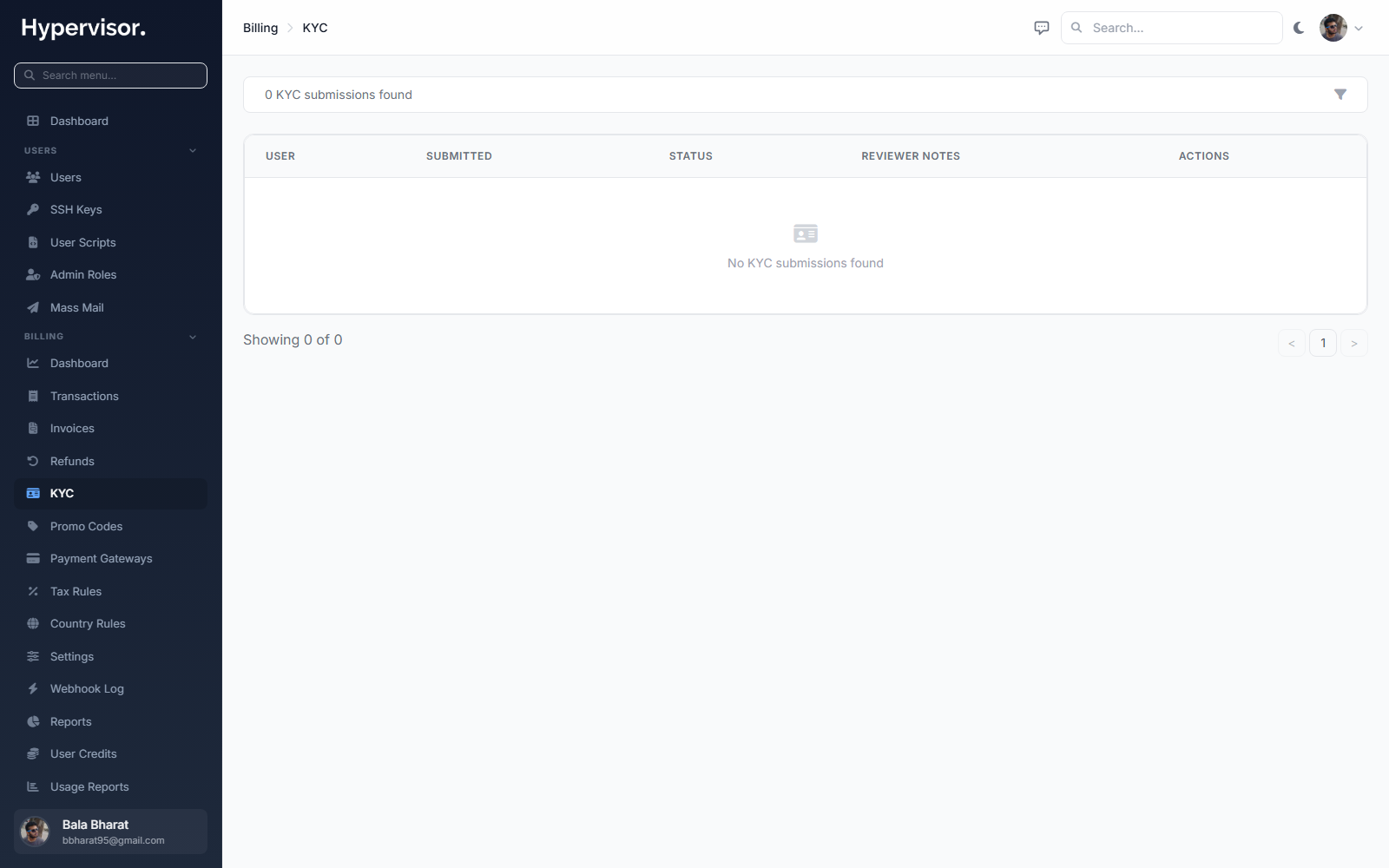
Identity verification (KYC)
Optionally require identity verification before a customer can add funds or before they cross a spending threshold you define. This helps operators in regulated markets meet their compliance obligations. When verification is required, the customer is guided to complete it before their first top-up.
Transactions, invoices and refunds
Every action against a customer's balance produces a record. As an admin you have a full audit trail of top-ups, charges, promotional credits and refunds.
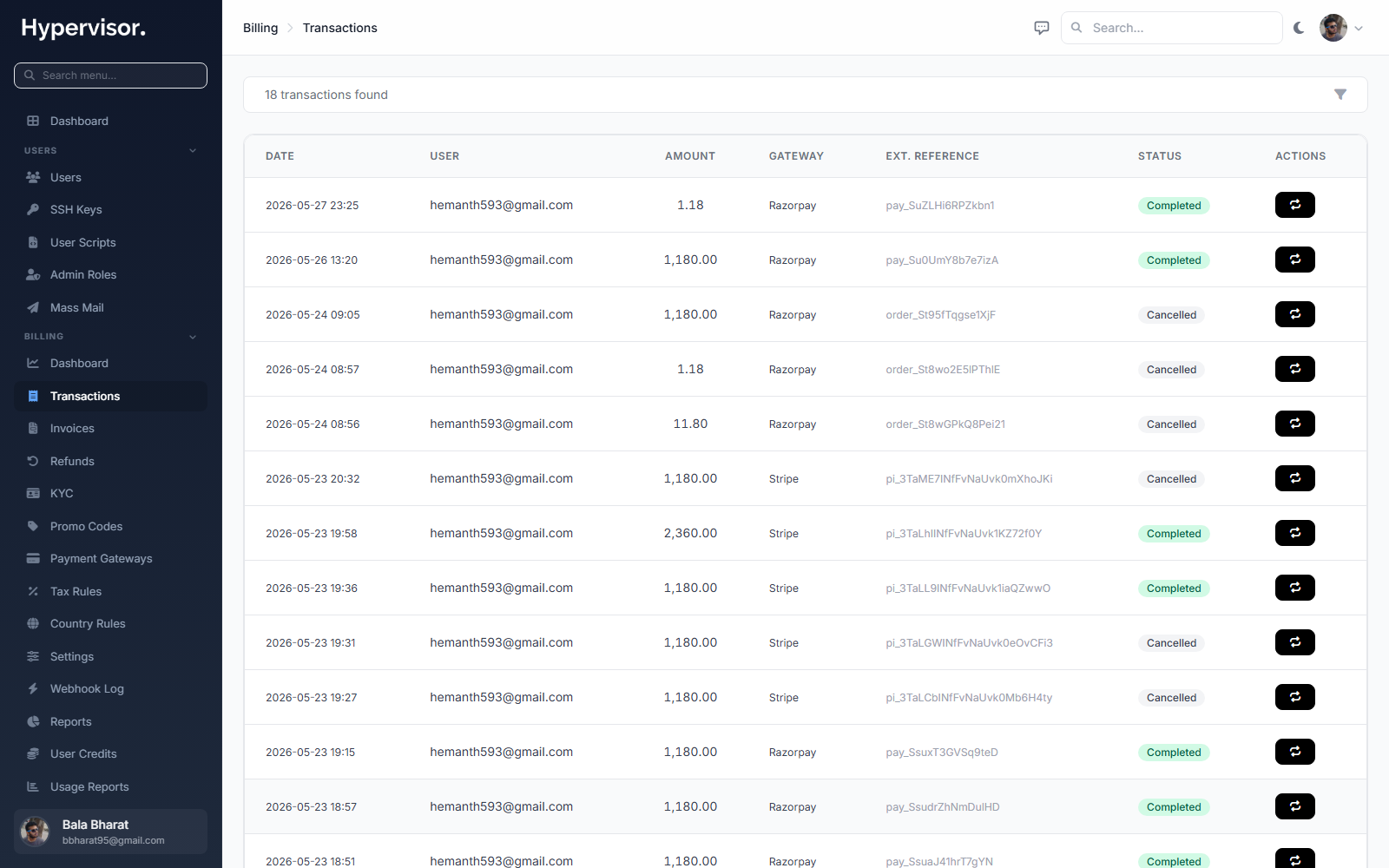
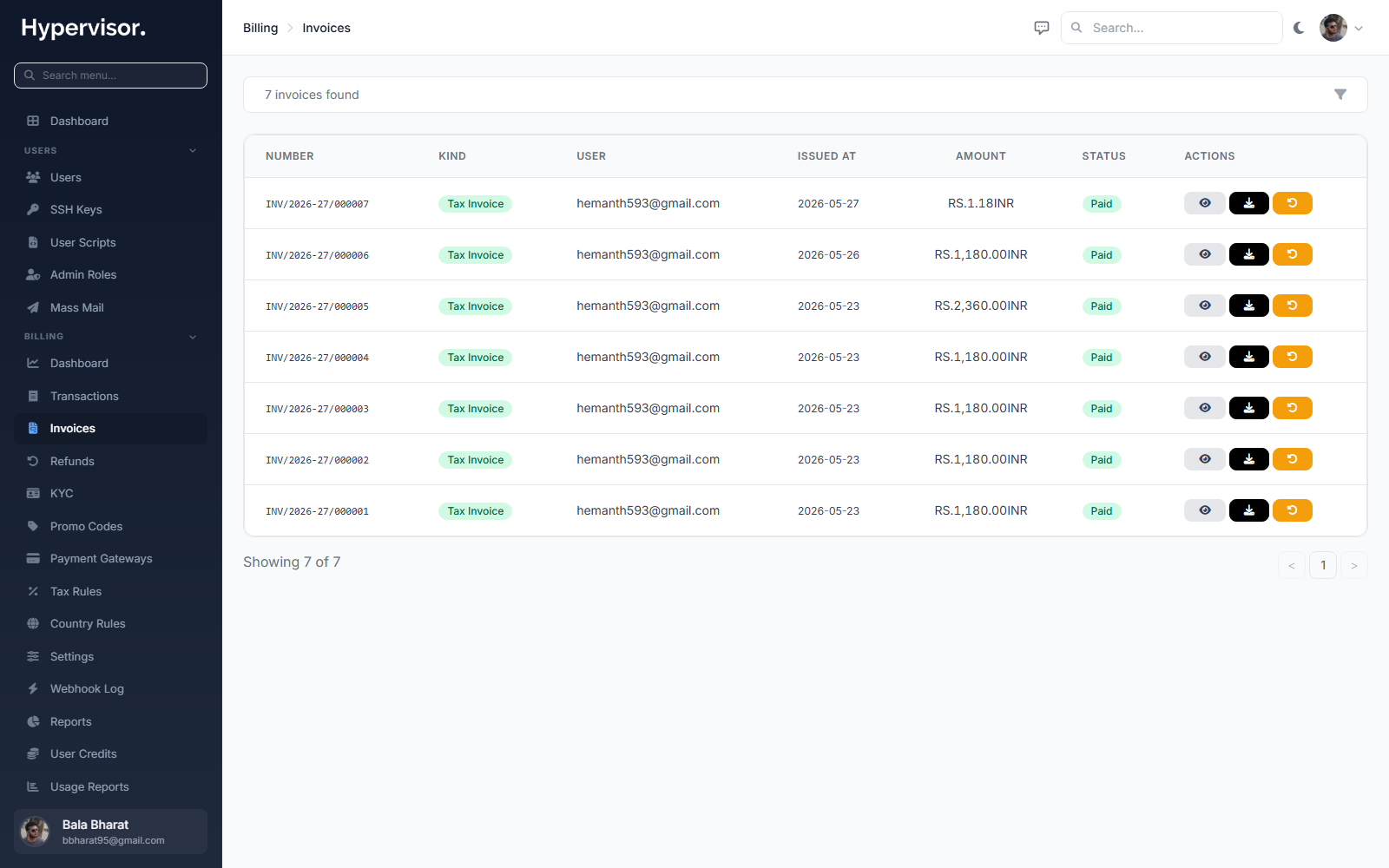
Every successful top-up produces an invoice automatically. Invoices carry a sequential number, reflect any tax applied, and are emailed to the customer with a PDF attached.
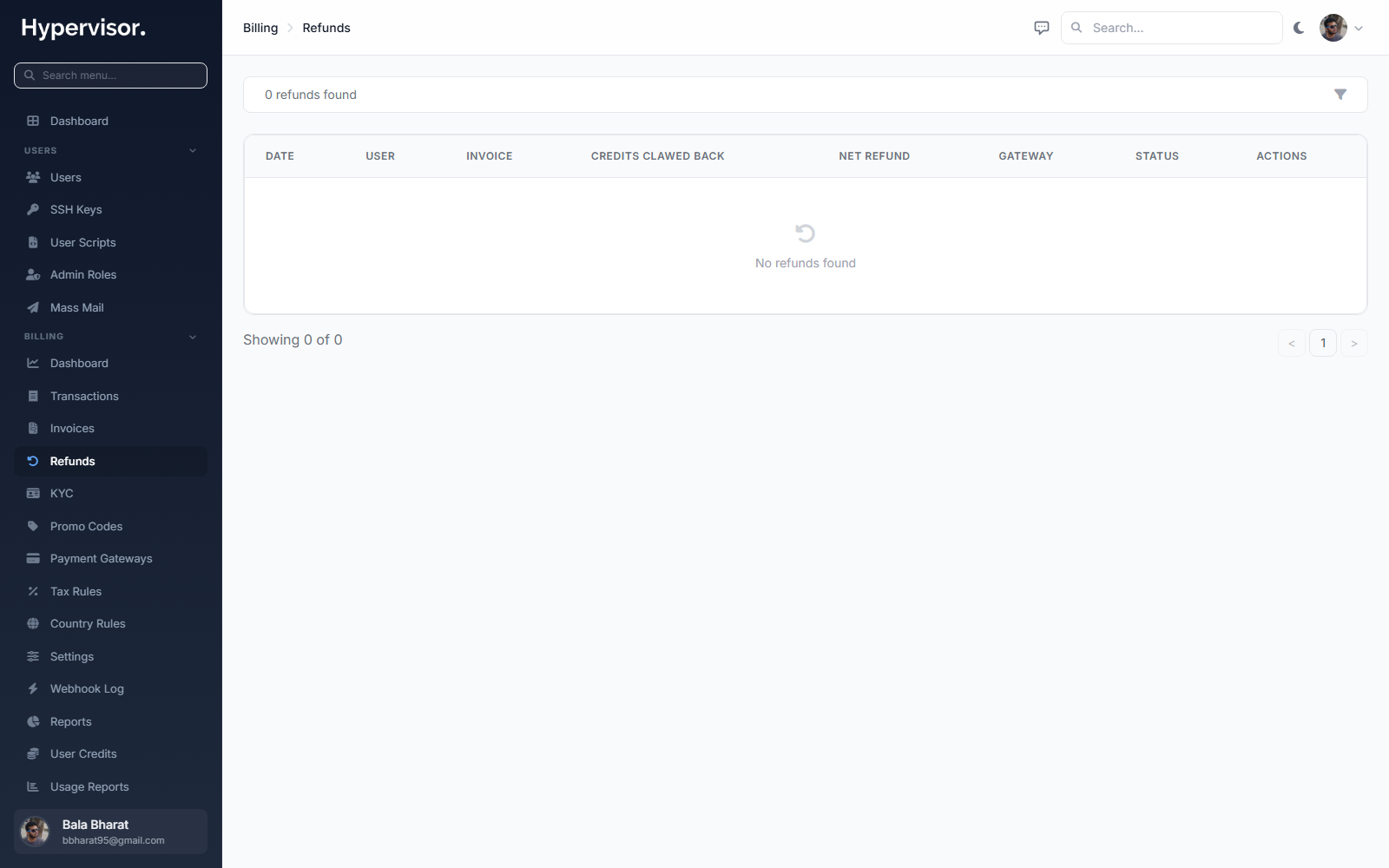
If a charge needs to be reversed, you process the refund from the admin panel. Both the customer's balance and the platform's revenue records stay consistent.
Webhook log
Gateways notify the platform of payment events (succeeded, failed, refunded) over webhooks. Every webhook the platform receives is stored for auditing so you can confirm exactly what the gateway told you and when.
Reports
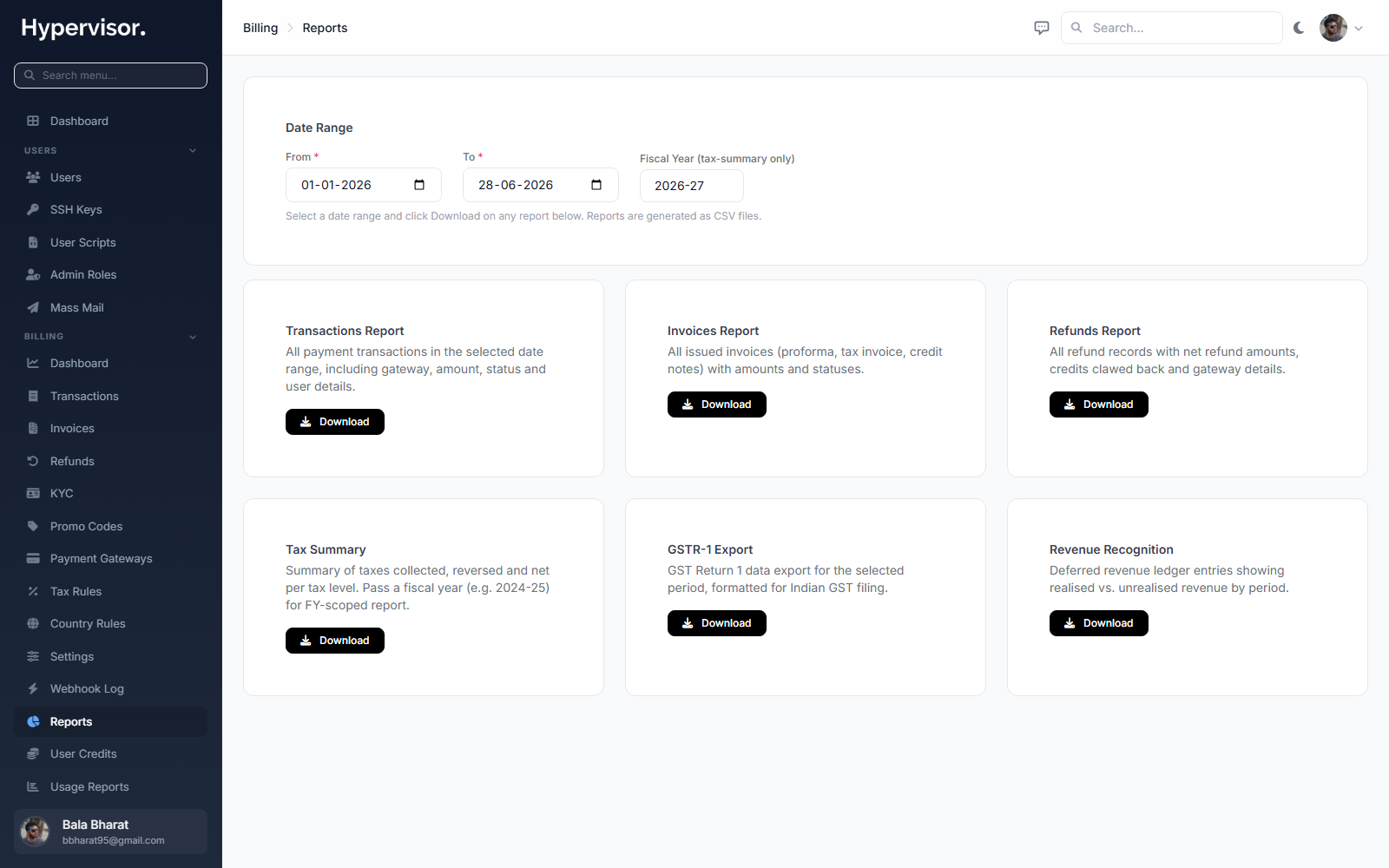
Detailed revenue and transaction reports can be exported for your accounting team.
Billing settings
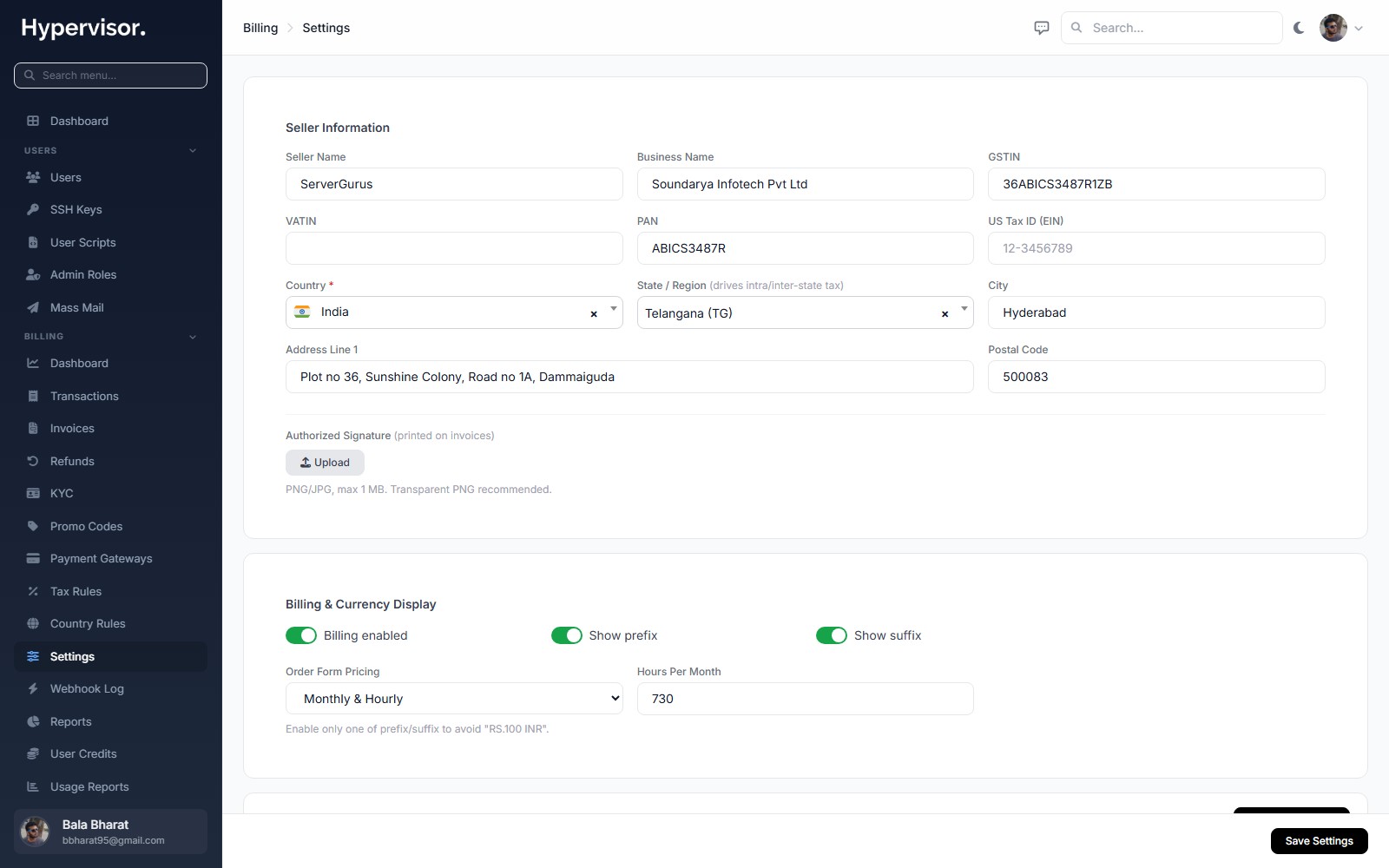
Global settings for the billing feature, including the daily income digest, invoice numbering and your business details that print on customer invoices.
Extending with modules
If you have a payment provider that is not built in, the platform includes a module framework for adding new gateways and custom billing panels without changing the core application. This is the same extension model used by the external billing integrations.
User Guide
Adding funds
Customers open the billing area in their panel, enter the amount they want to add, and choose a payment method. After paying through the selected gateway, their account credit increases as soon as the payment is confirmed. The new balance is immediately available to pay for running resources.
The top-up summary shows the amount, any applicable tax, any promotional adjustment, and the final total before the customer confirms, so there are no surprises at the gateway.
Invoices
Every successful top-up produces an invoice automatically. The invoice carries a sequential number, reflects any tax applied, and is emailed to the customer with a PDF attached. Customers can view their full invoice history at any time and download a fresh copy of any invoice for their own records.
Transactions
A complete transaction history records every top-up, charge, promotional credit and refund on the account, so customers always have a clear picture of where their balance went.
Tax profile
Business customers complete a tax profile with their company name and tax-identification details. For customers in VAT regions, the identification number is validated so that invoices are issued correctly for business-to-business transactions.
Refunds
If a charge needs to be reversed, customers can request a refund against an eligible transaction. The operator reviews and processes the request from the admin Refunds page.