Hypervisor Updates
Overview
The platform has two separately versioned components:
- Master: the Laravel web panel that you, your admins, and your customers log into.
- Slave: the agent installed on each KVM host that actually runs the VMs.
Both are updated by downloading a packaged ZIP from the official update channel and applying it through the panel's Updates page or the hvcli command. Updates ship security fixes, bug fixes and new features. We recommend applying them shortly after release.
Concepts
hvcliis the command line wrapper installed alongside the platform. It runs Laravel artisan commands as the correct system user, so admins do not have to remembersudo -u www-data php artisan ....app:updateis the artisan command that pulls the latest Master ZIP, places it in the right location, runs migrations and clears caches.hypervisor:updateis the artisan command on the Master that pushes a new Slave package out to a hypervisor.
Admin steps
Update the Master (management server)
SSH into your management server and run:
hvcli app:update
The command downloads the new ZIP, swaps files, runs database migrations and rebuilds caches. Active web sessions are preserved.
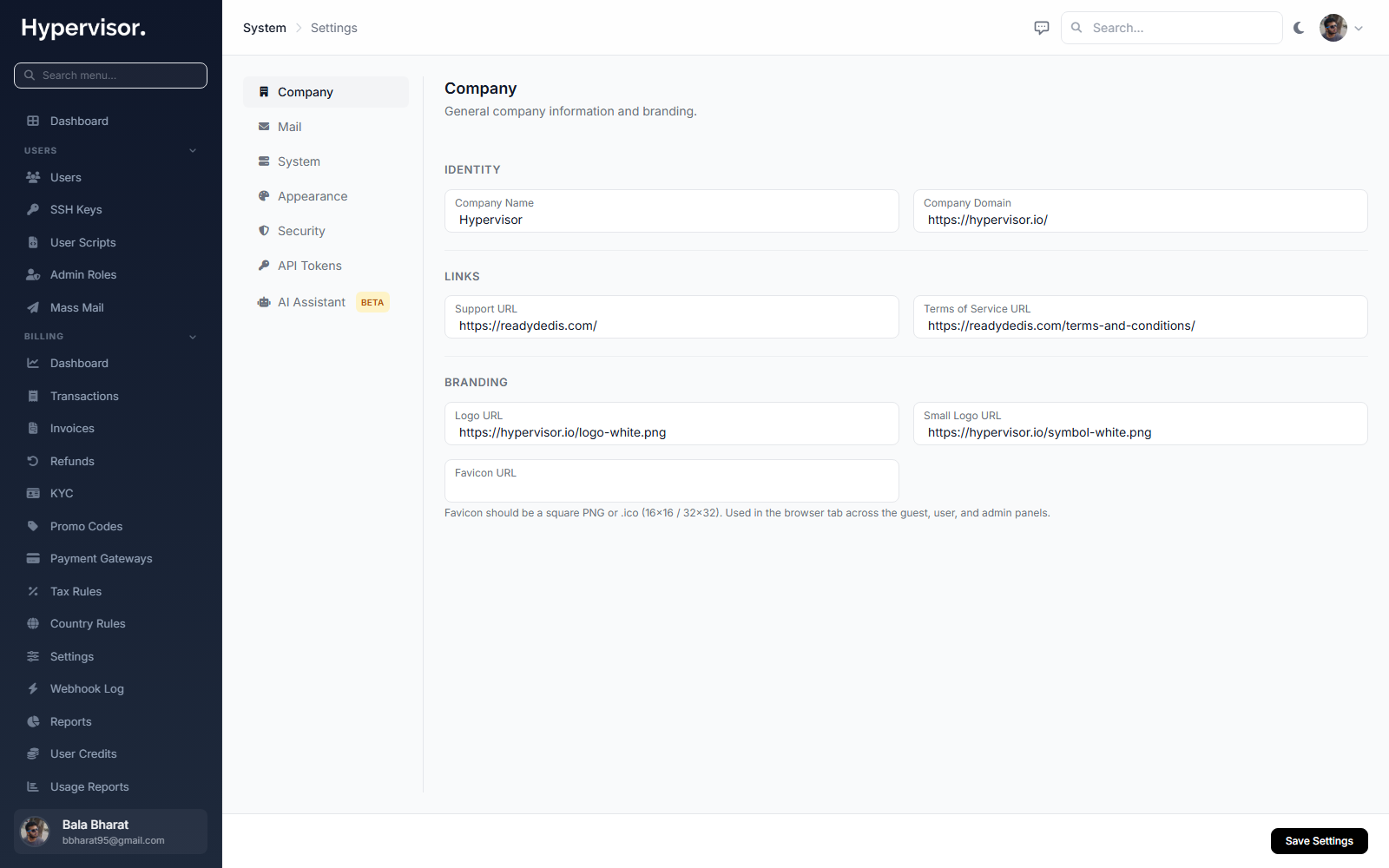
You can also trigger the same flow from the panel under System > Updates.
Update a hypervisor (Slave)
Still from the management server's shell:
hvcli hypervisor:update
The Master ships the new Slave package to each connected hypervisor and instructs the agent to restart itself. Running VMs are not interrupted; only the agent process is restarted.
Troubleshooting
- If
hvcli app:updatefails part way through, re-run it. The command is safe to retry; it picks up from a clean state. - If a hypervisor stays on the old version after
hypervisor:update, check that the Master can reach it on port 2443 and look at the Tasks page for the failed update job.